How to check what games are available on Steam Cafe
Here is a step-by-step instruction to access the commercial Licenses Catalog owned by the school.
Step 1:
Kindly make sure all these requirements are met before starting.
You are physically in Bunkyo campus
The School steam server account is on. Please note that only ICT can turn the server on; you can contact ICT to confirm that the server is on or schedule when you need the server to be on.
Make sure the device you are using has the Steam application. It doesn’t matter which account you are using.
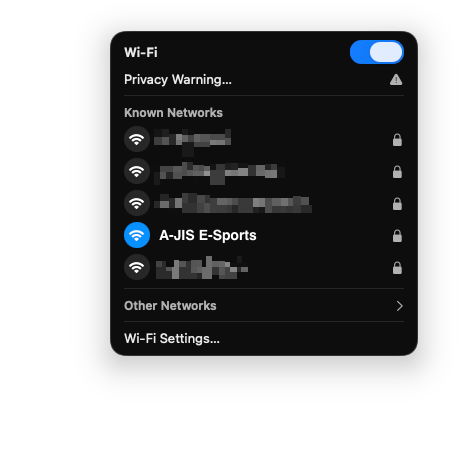
Make sure your device is connected to the A-JIS E-Sports network. The E-Sports network is turned on only for specific ASP or on request. Kindly contact ICT if you need it to be enabled.
Step2
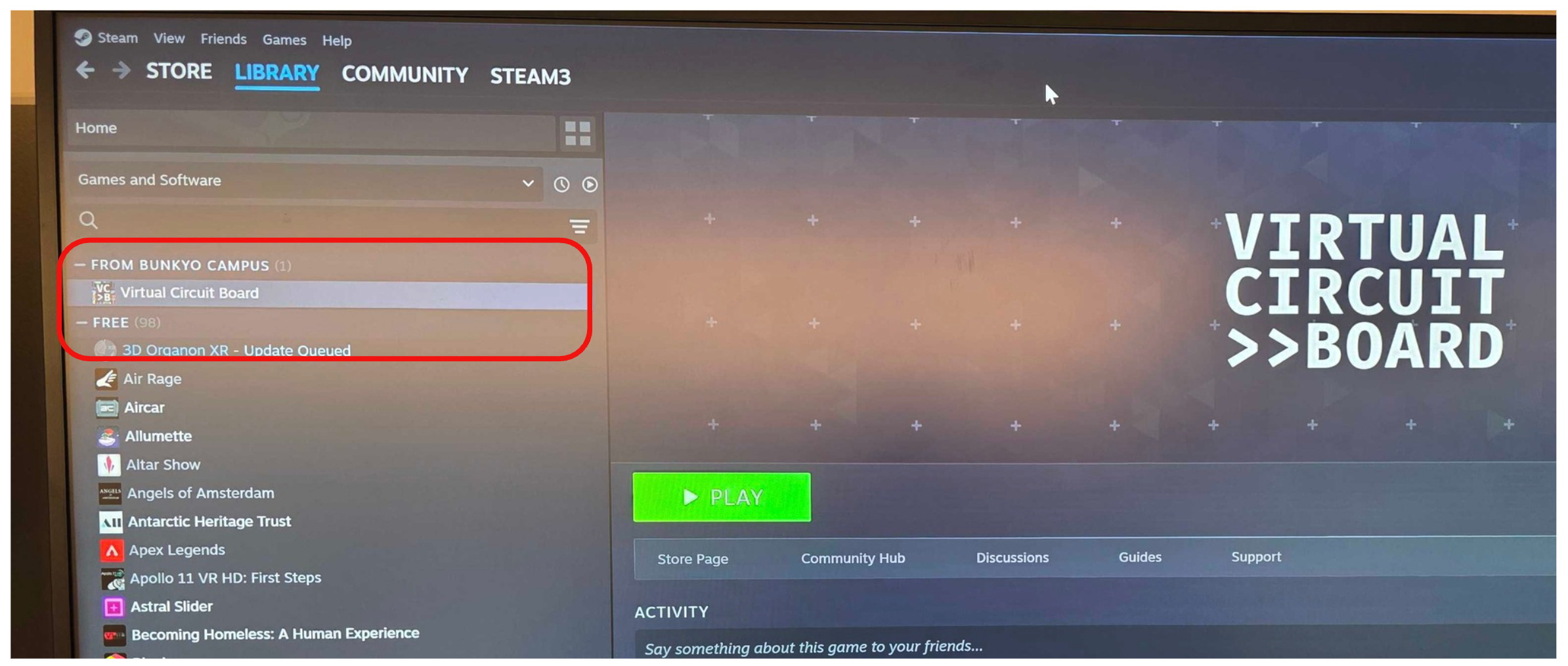
Once all these requirements are met, open your Steam application and go to the library page. You will be able to see all the available games with commercial licenses owned by the school on the left sidebar menu, under “From Bunkyo Campus“ just before the free games session. For more details about how many seats (available licenses) are available per game please contact ICT.

Tip for Teachers: If there is a specific simulation or game on the Steam platform that would benefit your curriculum, you can now submit a request to ICT through helpdesk@aobajapan.jp. Your student can also submit a request with a teacher’s approval for a school/personal project.

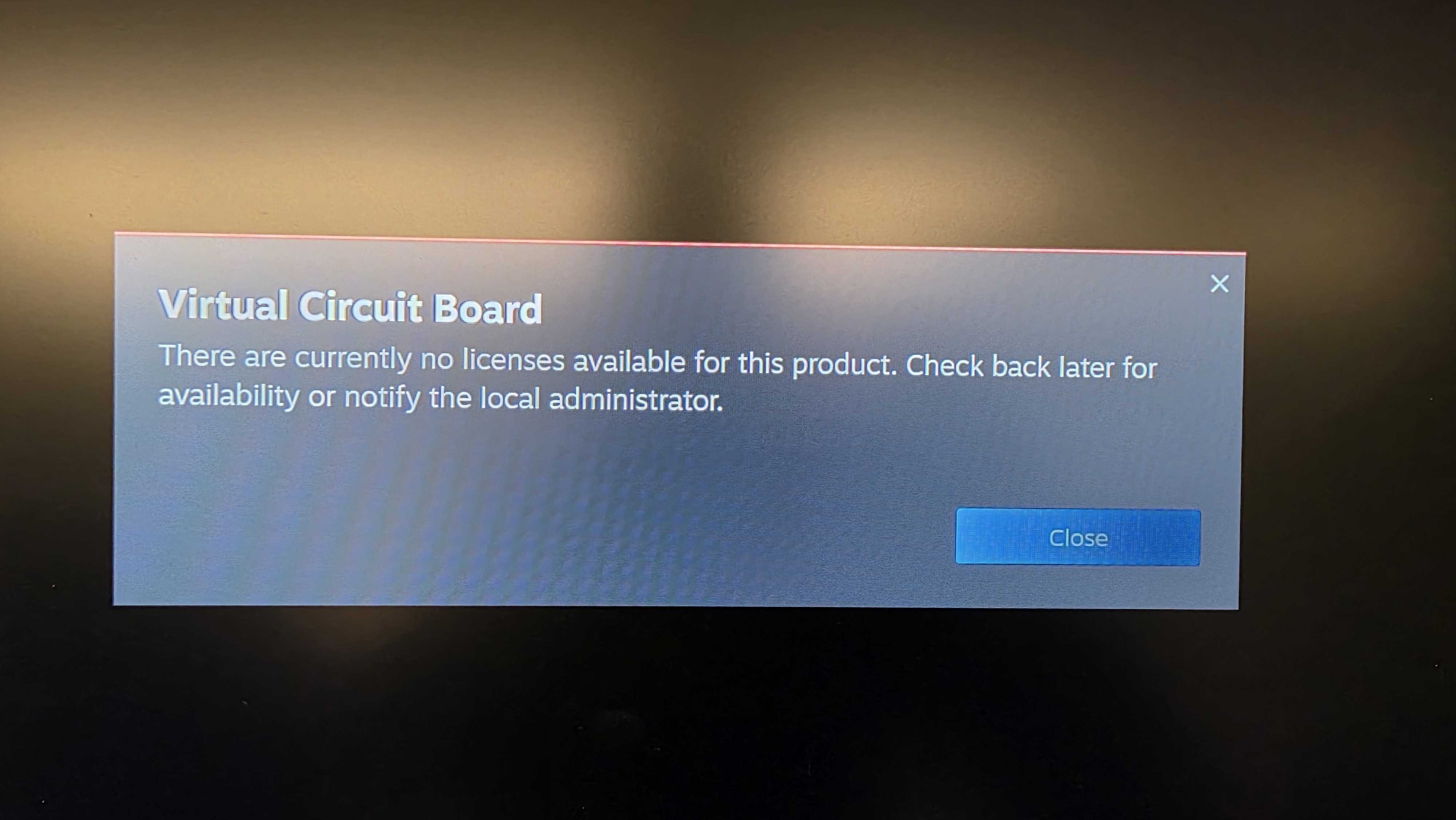
The number of Licenses is equal to the number of persons who can play at once. 10 licenses mean 10 students can play at the same time. If one more student tries to open the game, they will receive a notification mentioning their is no more licenses are available for this product.