How to download and view a Canvas LMS course offline?
⬇️ Download the Course
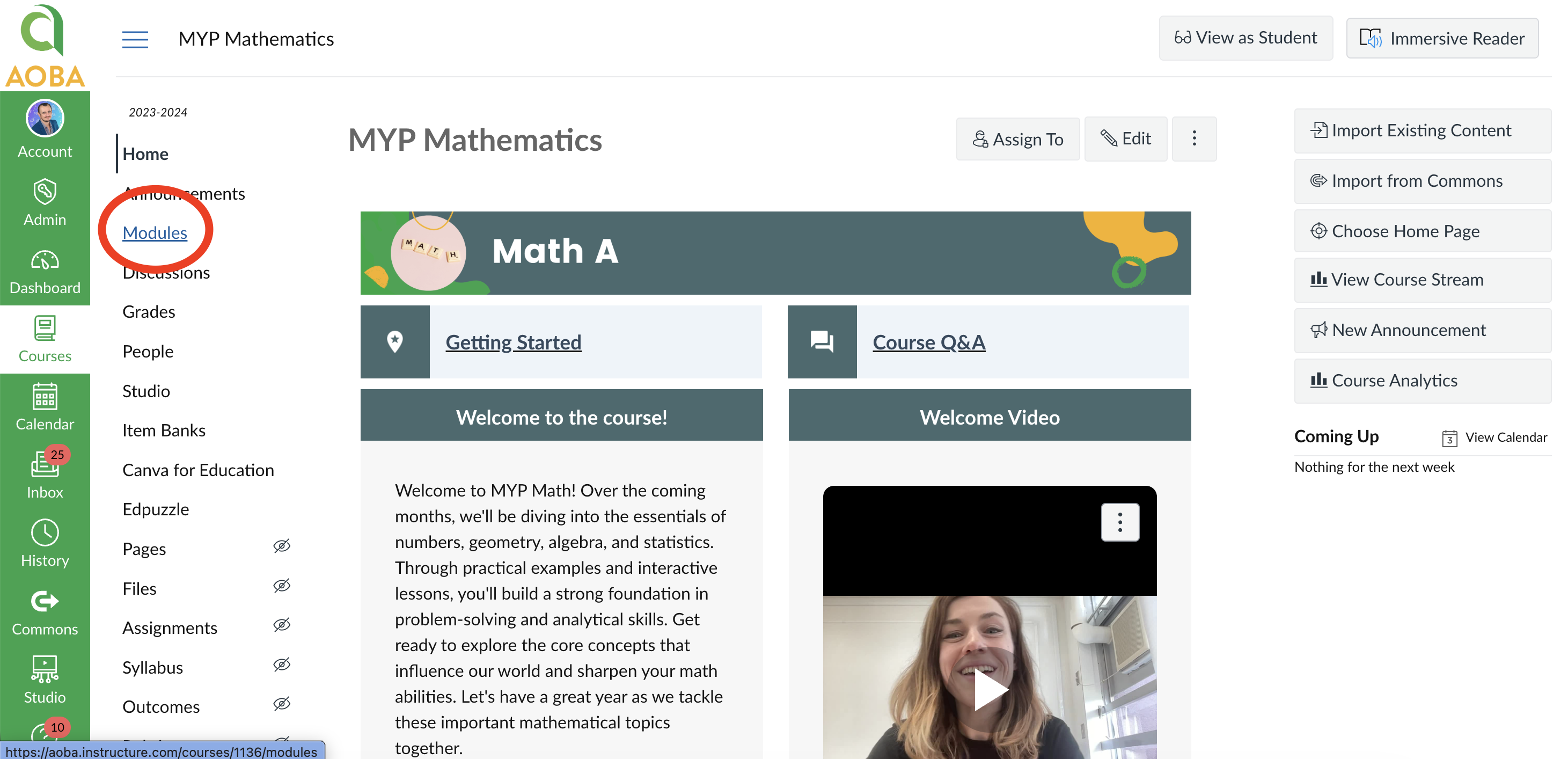
You can download a Canvas LMS course by going to Course > Modules > Export Course Content:
On the Course’s page, click “Modules”
Click “Export Course Content”
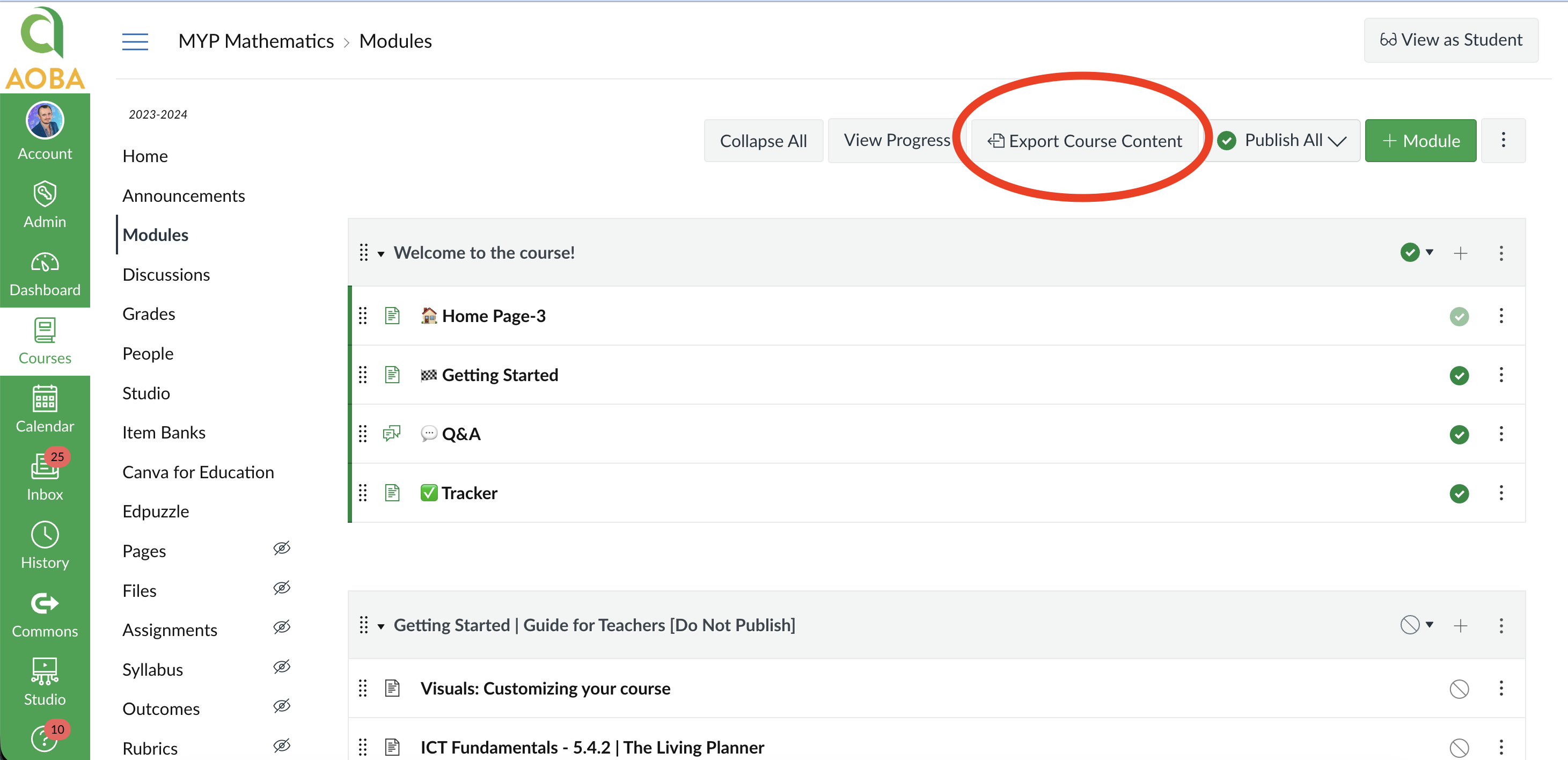
This will download a .zip file on your computer containing the course’s published content.
📖 View the Course
In order to view the course content, you will need to unzip the downloaded course and open the .html file.
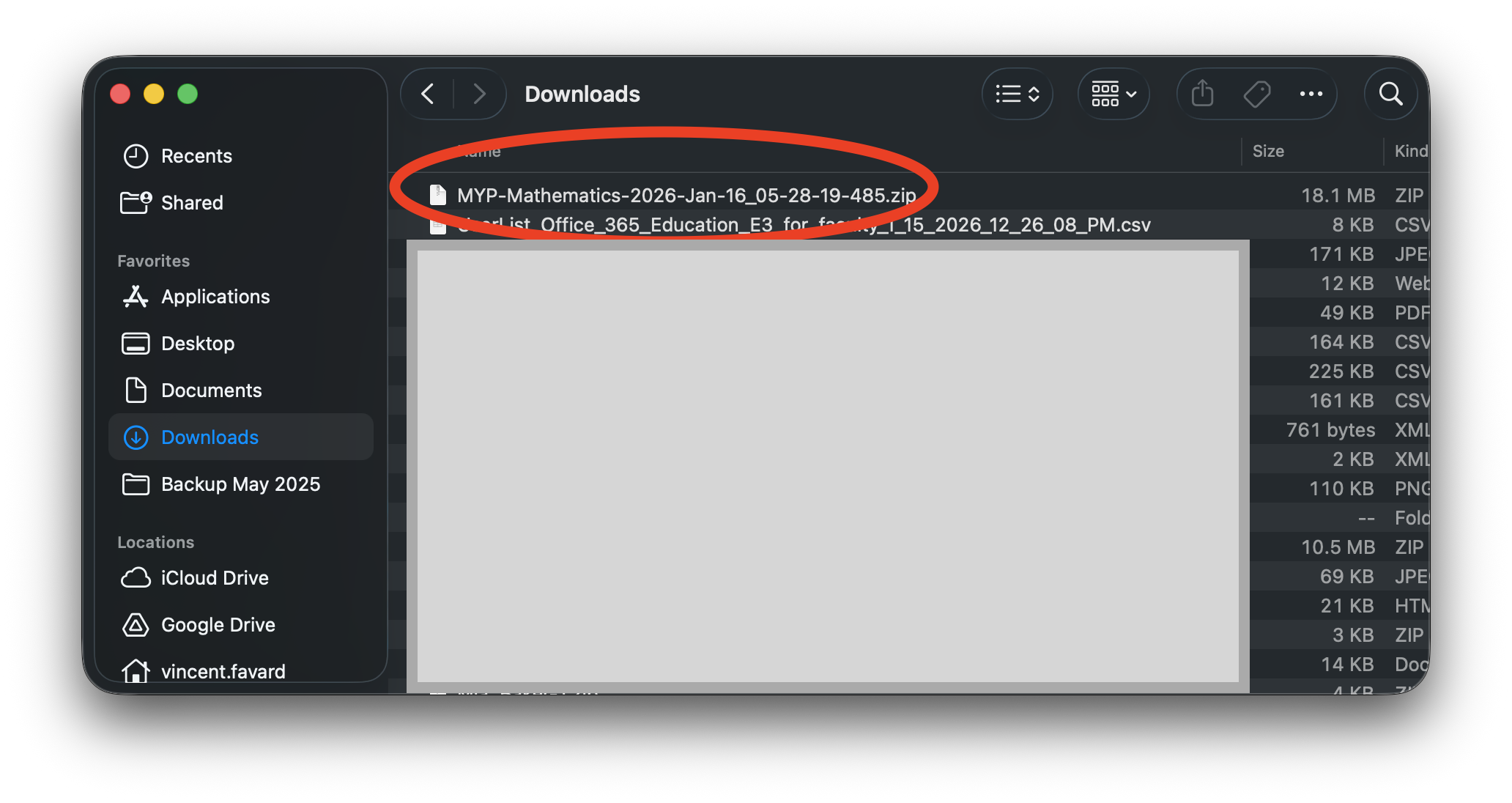
Double click the downloaded file to convert it to a folder:
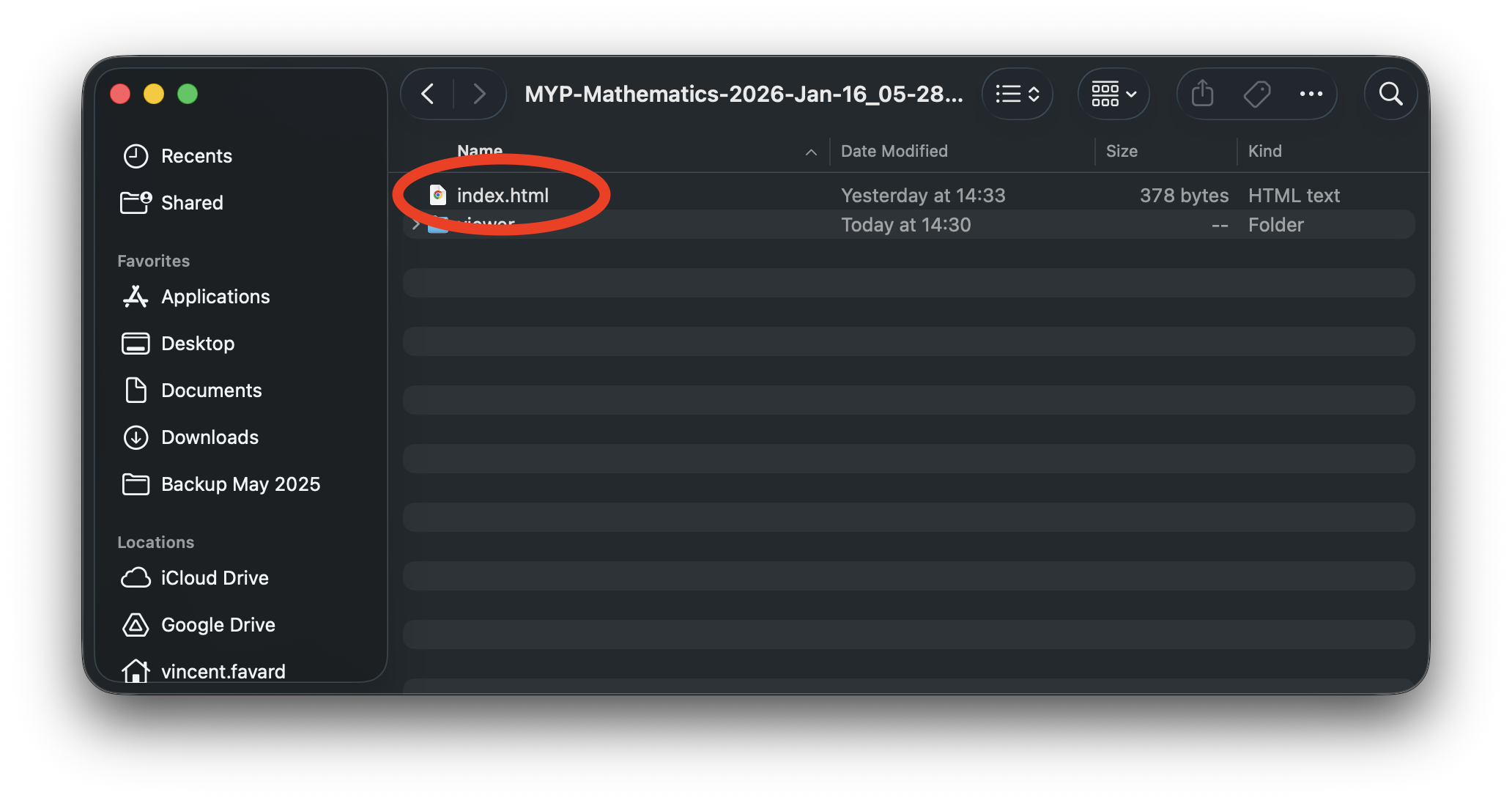
Open the folder and double click the index.html file
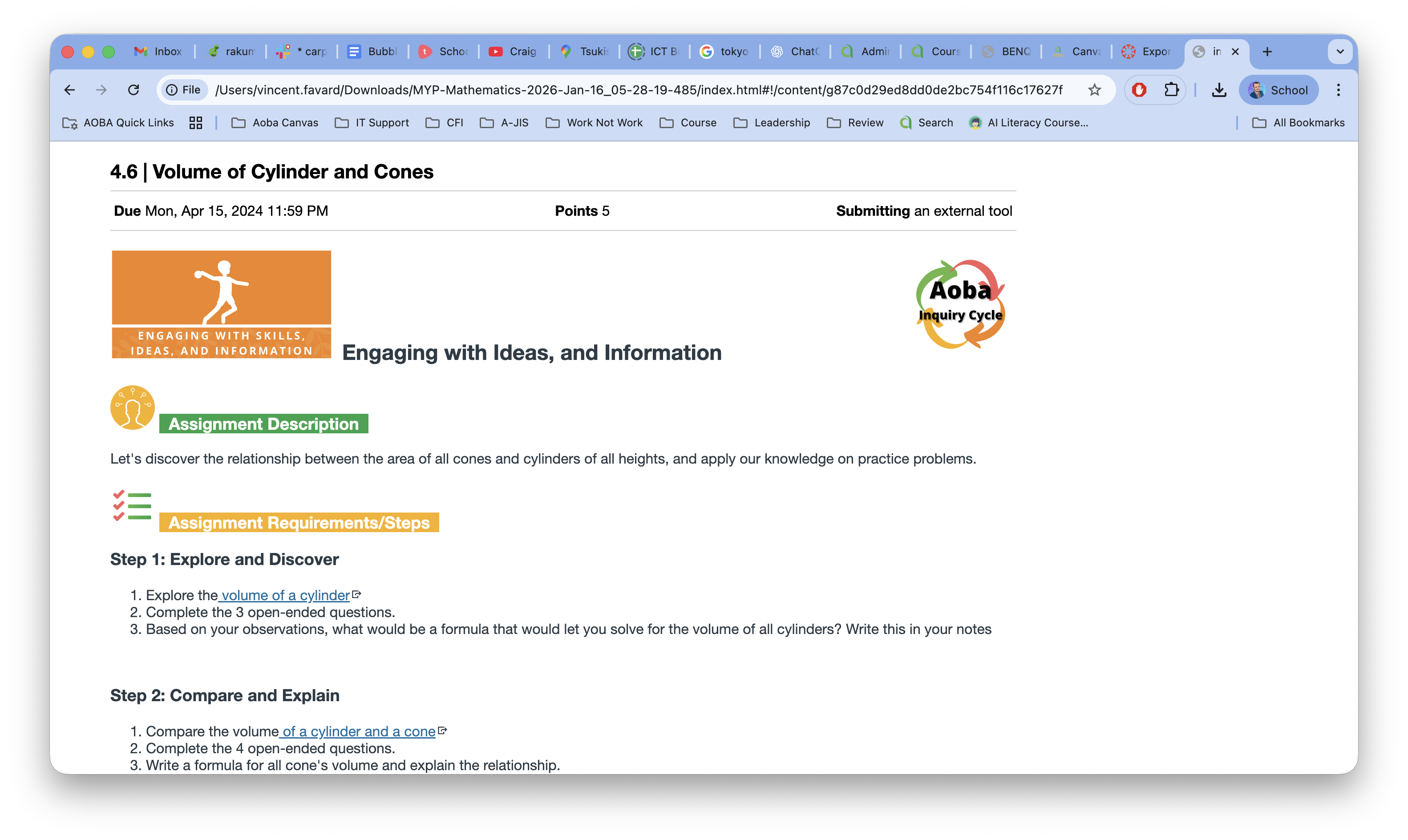
You can now browse the course and its content in your browser
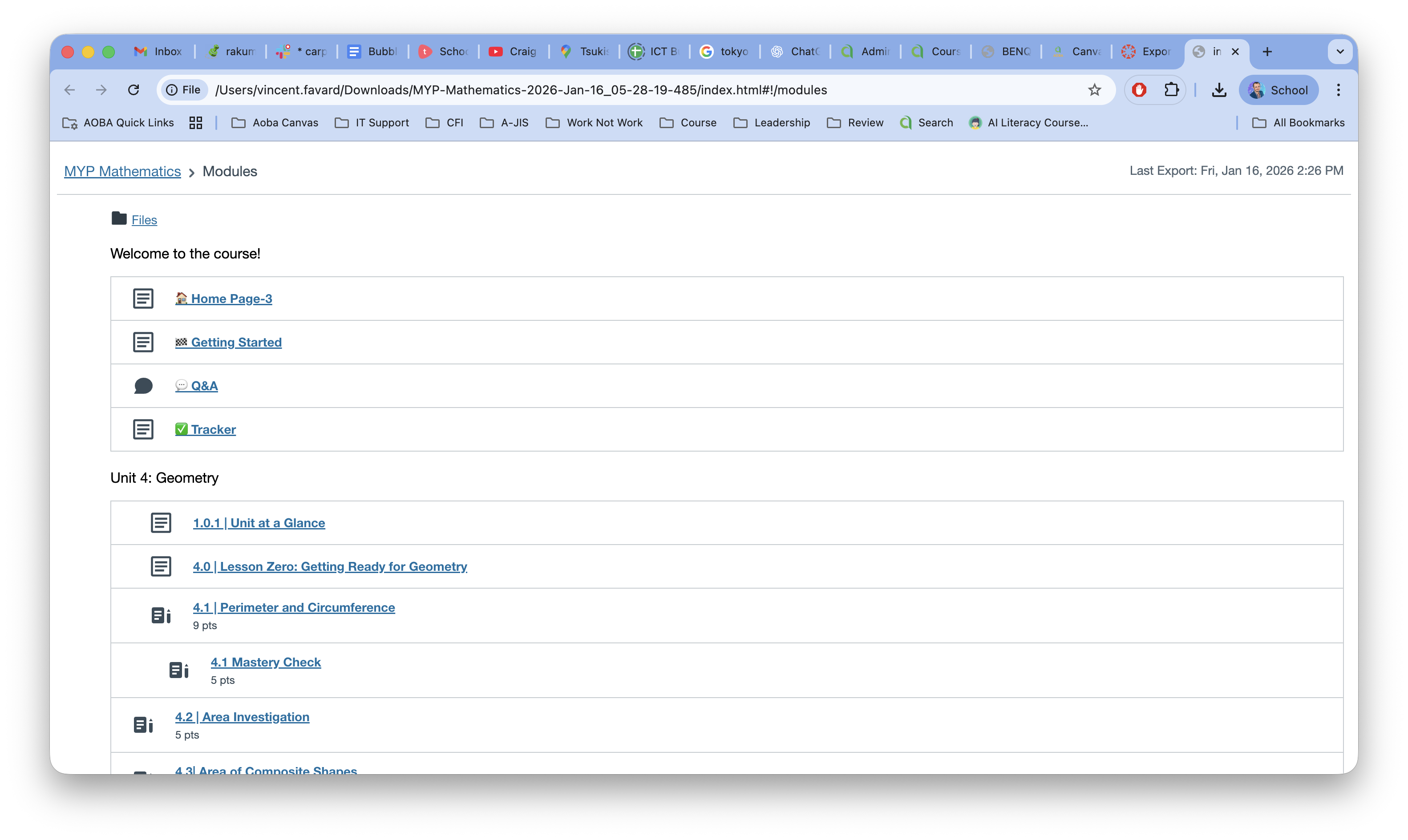
Click on any link to open the corresponding page