How to download student submissions to assignments on Canvas LMS?
⬇️ Download Student Submissions to an assignment
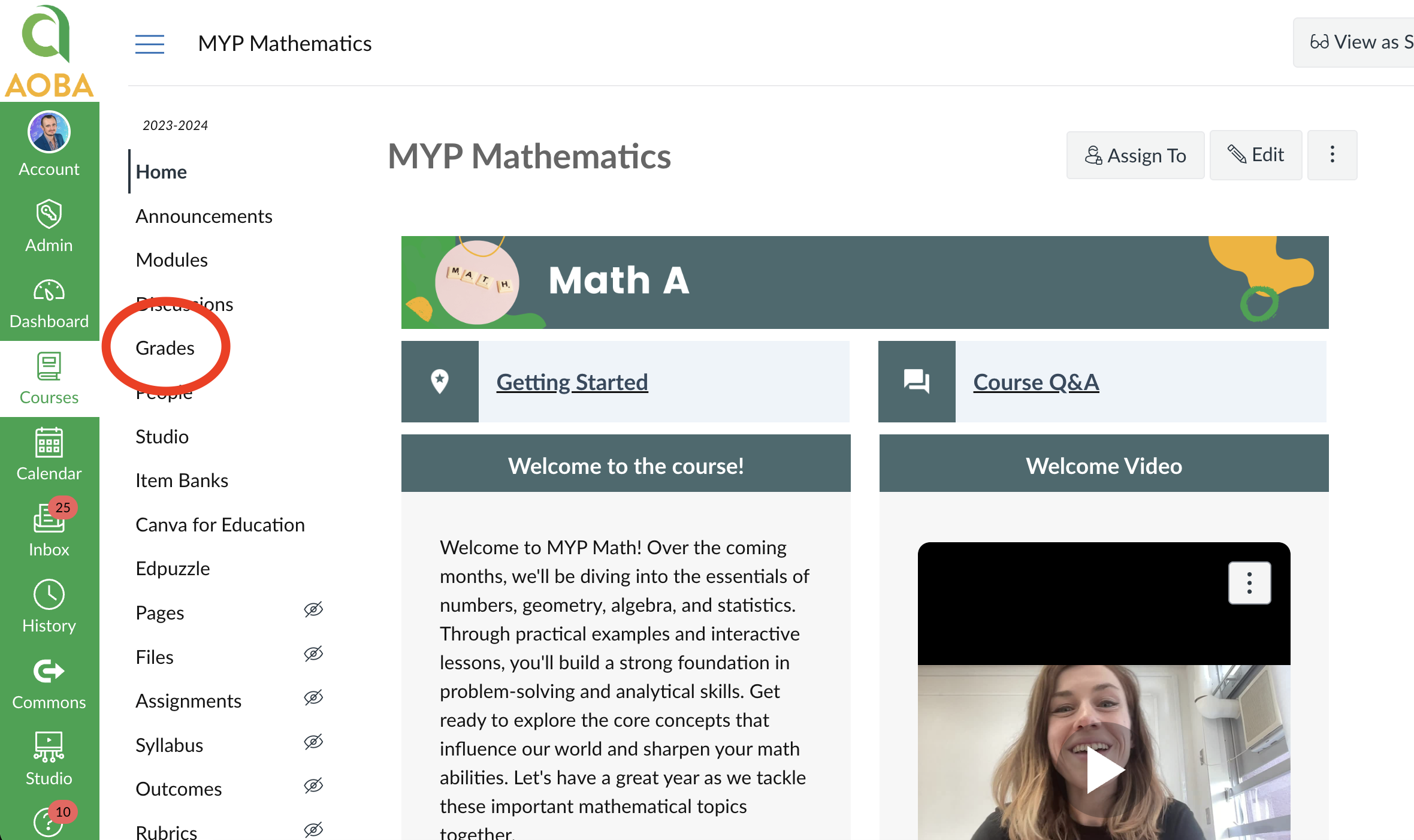
On the Course’s page, click “Grades”
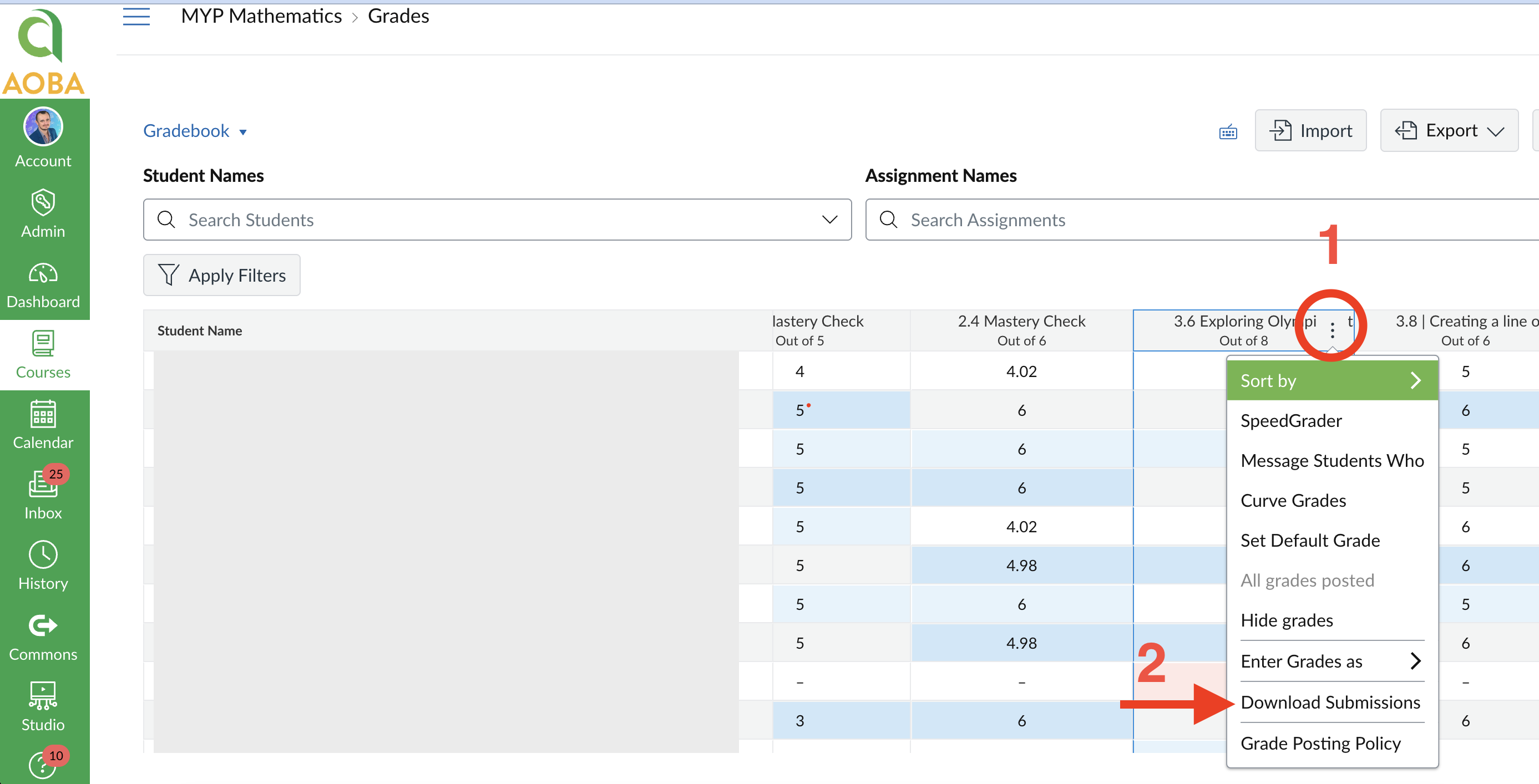
On the assignment’s column, click the vertical dots (1) followed by “Download Submissions” (2)
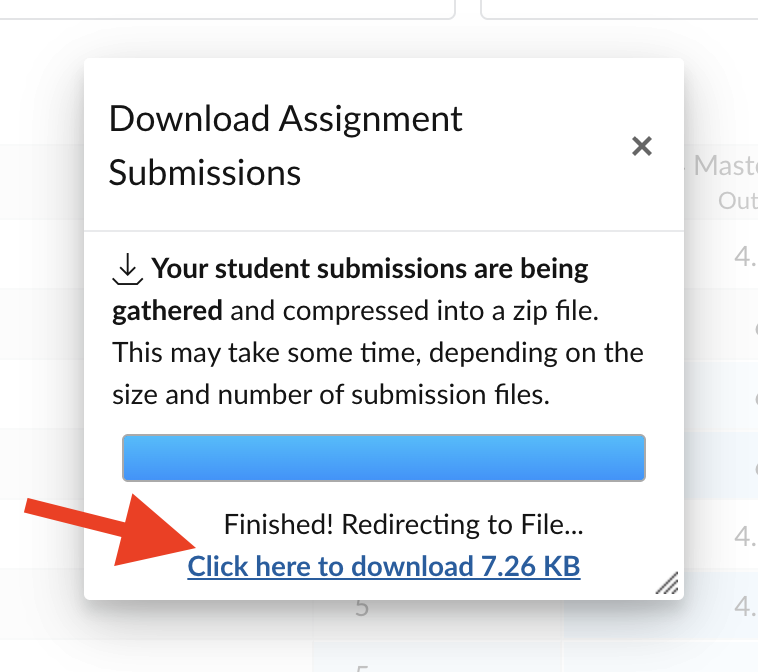
Click the “Click here to Download” link