
AGC - Getting Started with the Aoba Global Campus App
Parents can access information about their student’s class progress, timetable, and calendar on the Aoba Global Campus app.

Current features include:
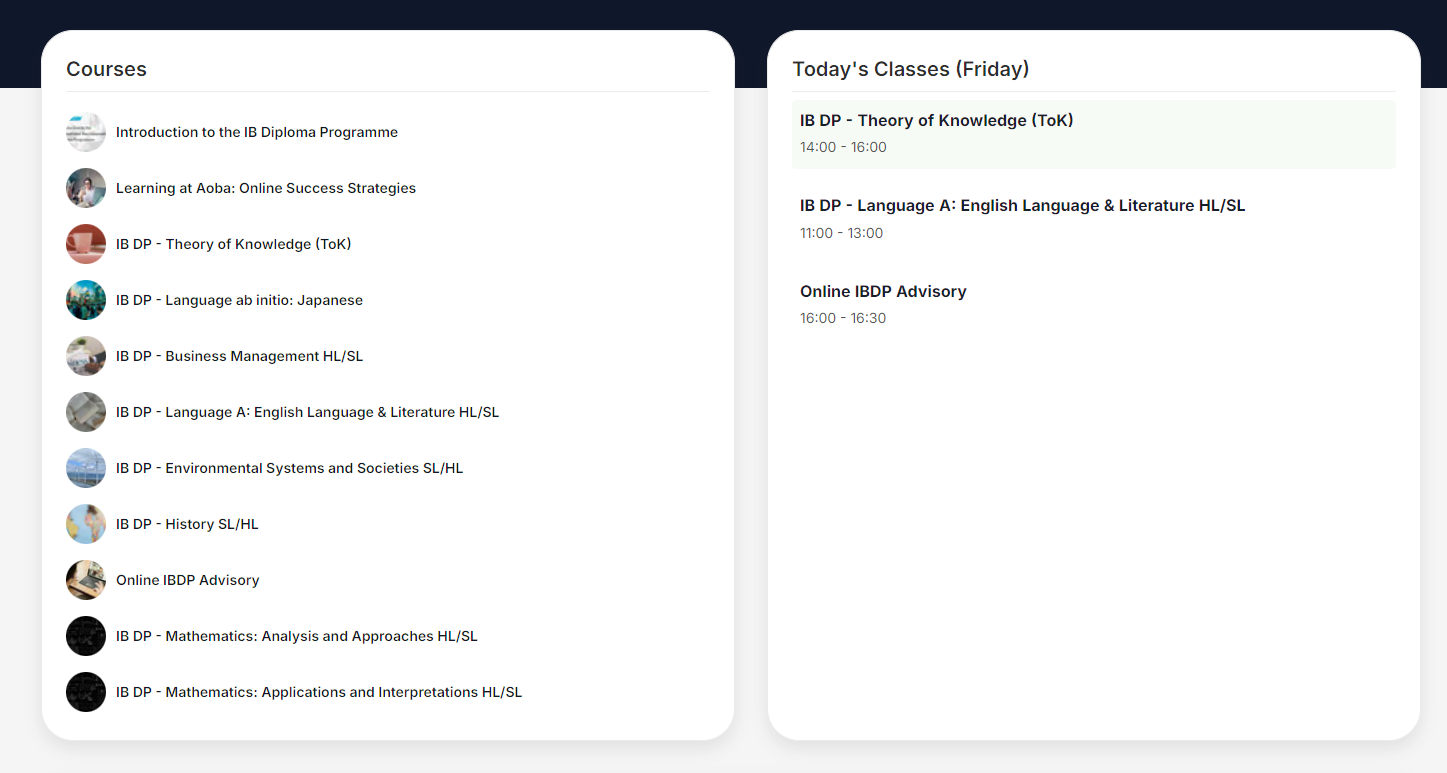
Course List
Today’s Timetable
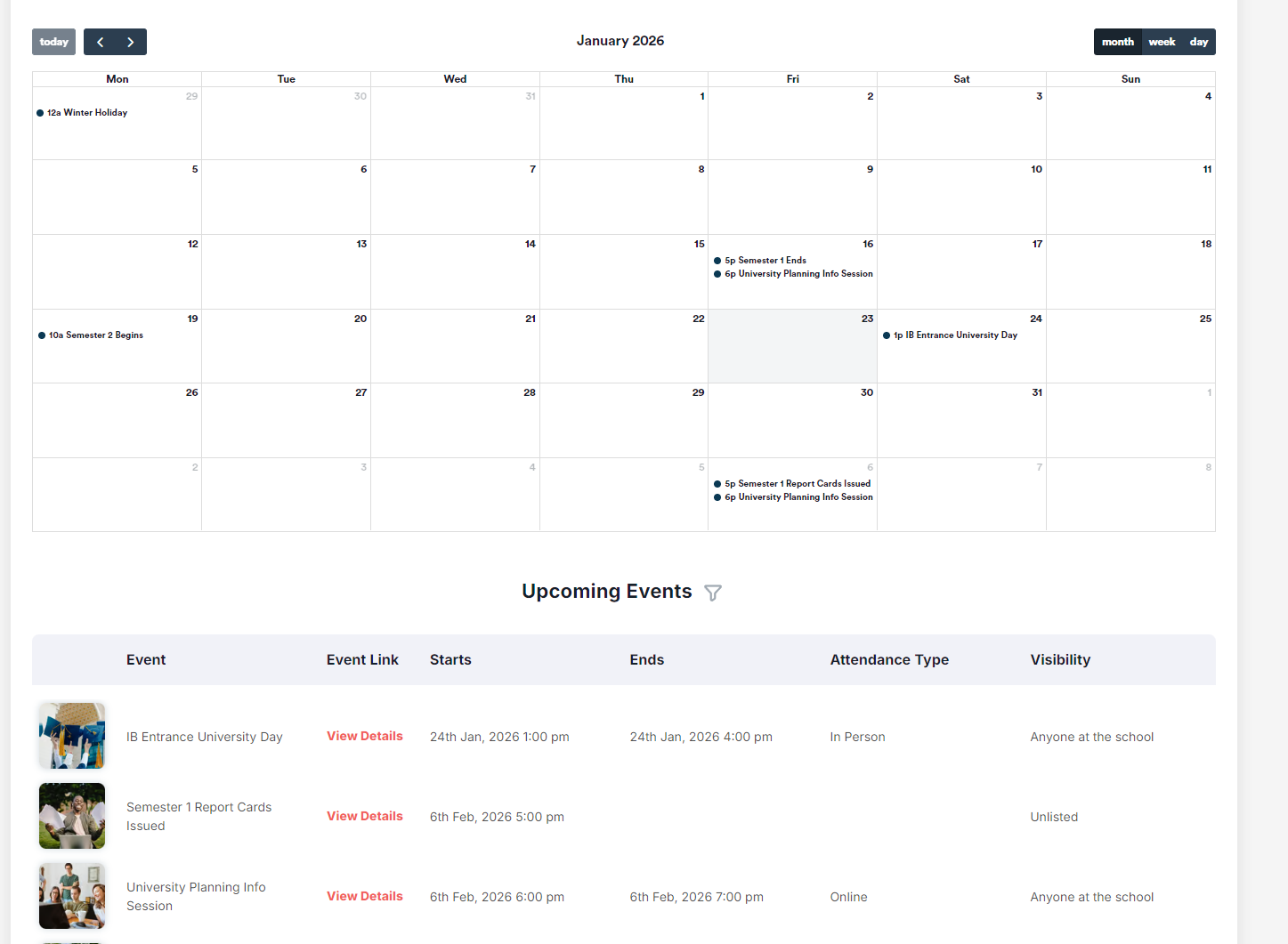
Calendar
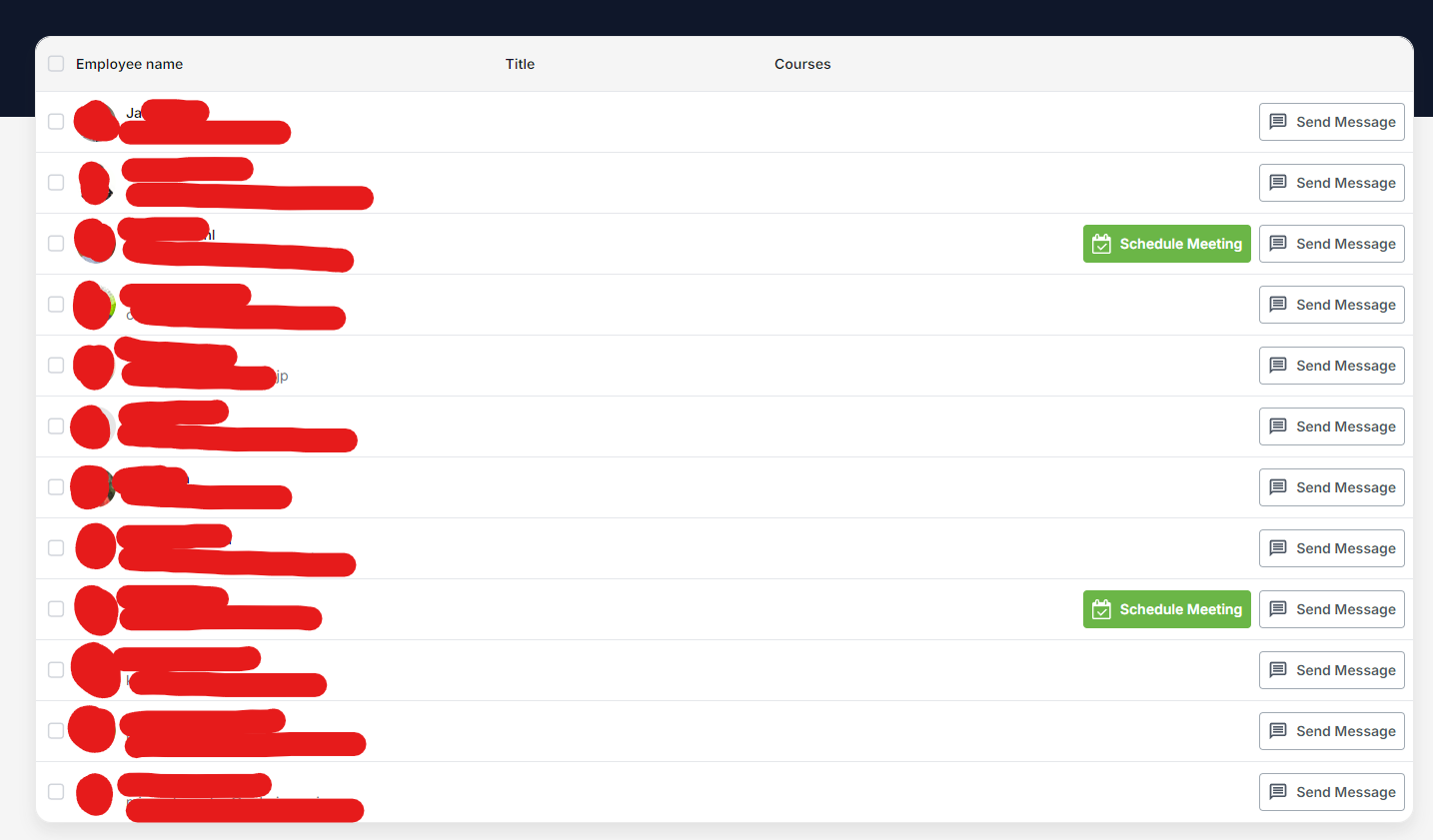
Teachers (Book a Meeting, Send a Message)
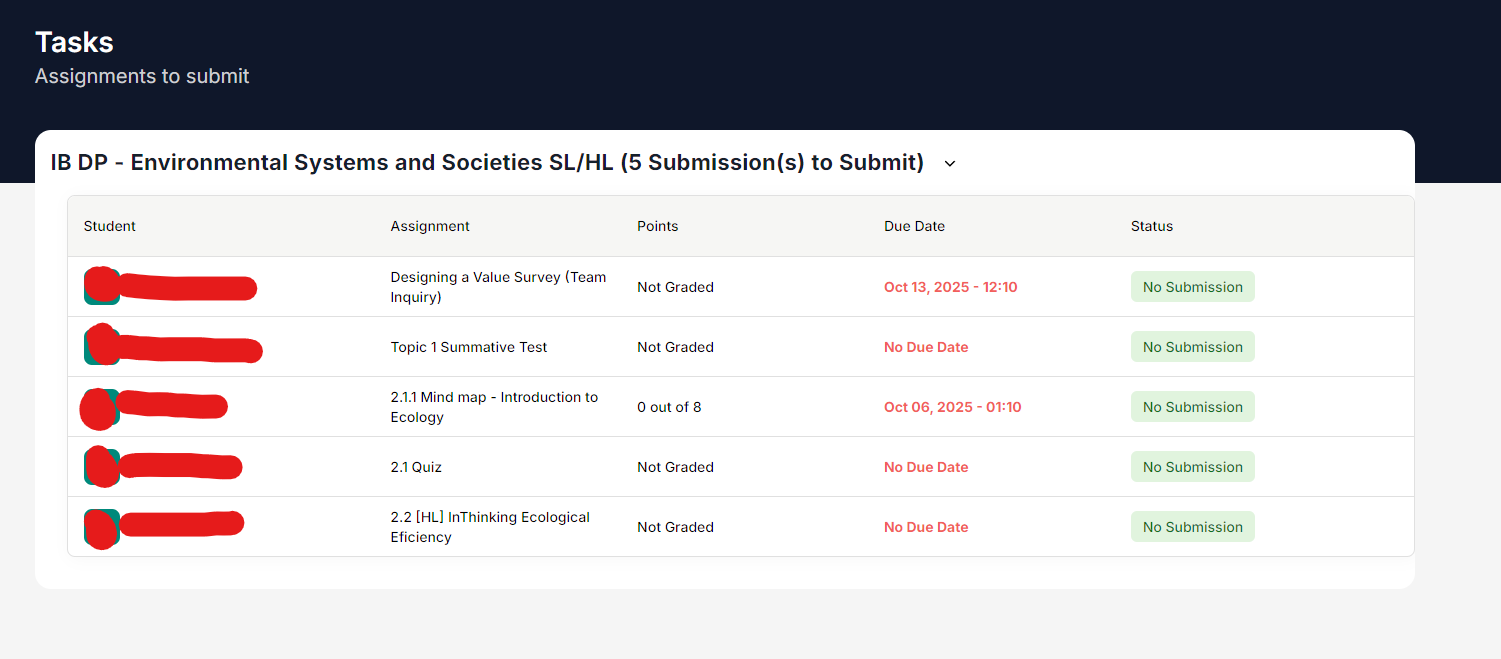
Assignments Due
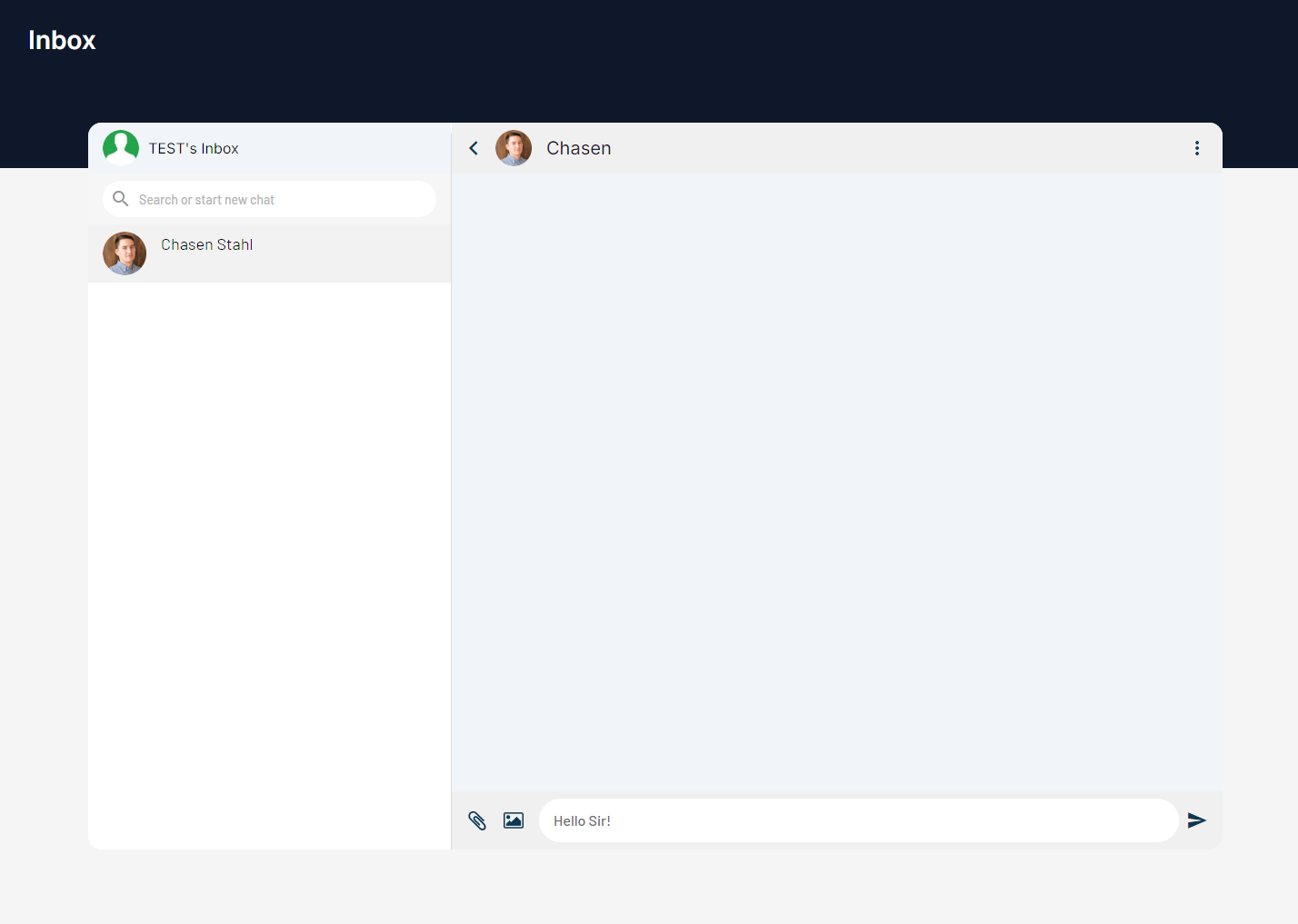
Inbox

If you have not yet been invited to use the app as a parent, please email parents.ict@aobajapan.jp
⚙️ How To Finish Setting Up Your Account
Click the link in the email notification you received

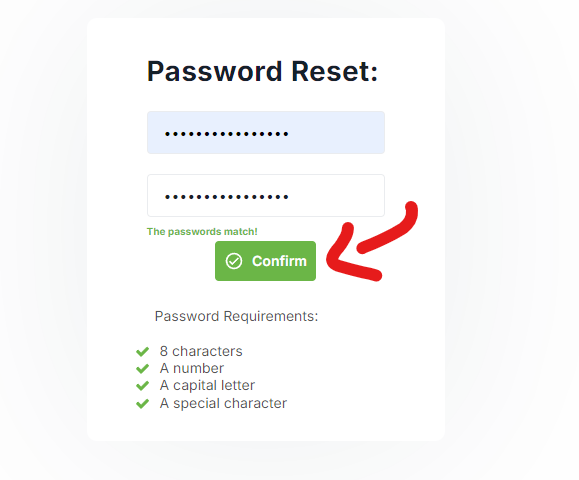
Choose a password that meets the listed requirements (8 characters or more, a number, a capital letter, and a special character) and press “confirm”
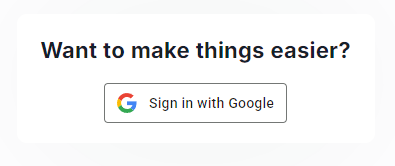
(optional) Select Sign In with Google to remove the need to use a password in the future
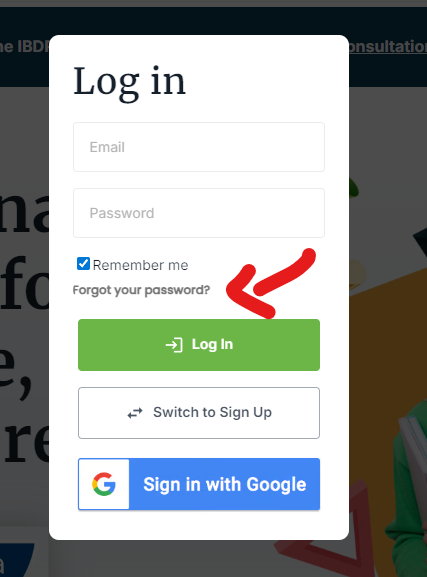
If the initial invitation email expired, please request a new password from the login popup
👪 Accessing the AGC Parent Portal
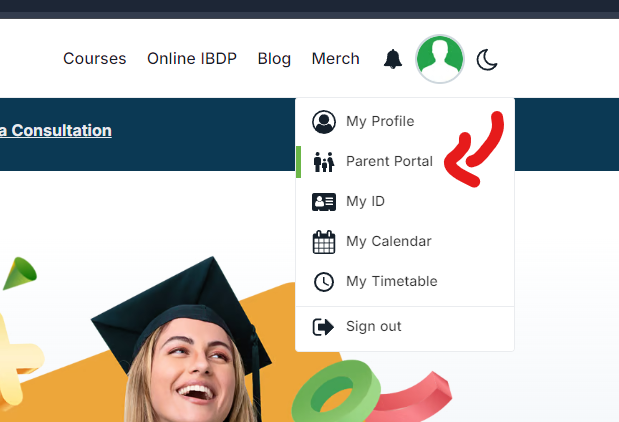
In order to access the Parent Portal on the Aoba Global Campus app, click the profile picture icon in the header, followed by “Parent Portal”
🍎 What Can I See on the AGC Parent Portal?
On the AGC Parent Portal, you can view the following for students you observe:
A list of courses and today’s timetable
The student’s calendar and list of events in which they are participating:
A list of the student’s teachers and the possibility to schedule a meeting and/or send them a message:
A list of their unsubmitted assignments organized per subject:
Your inbox, to follow up on or review previously exchanged messages with teachers
For new features requests, or to report a bug, please email parents.ict@aobajapan.jp