.png)
When you are using a Meta Quest in VR and need to cast what you are seeing onto a display device for others to see, there are a few methods you can try.
Method 1: Cast
This method requires an external device that can navigate the web
In the VR space (virtual or pass through) click on the Quick Settings button
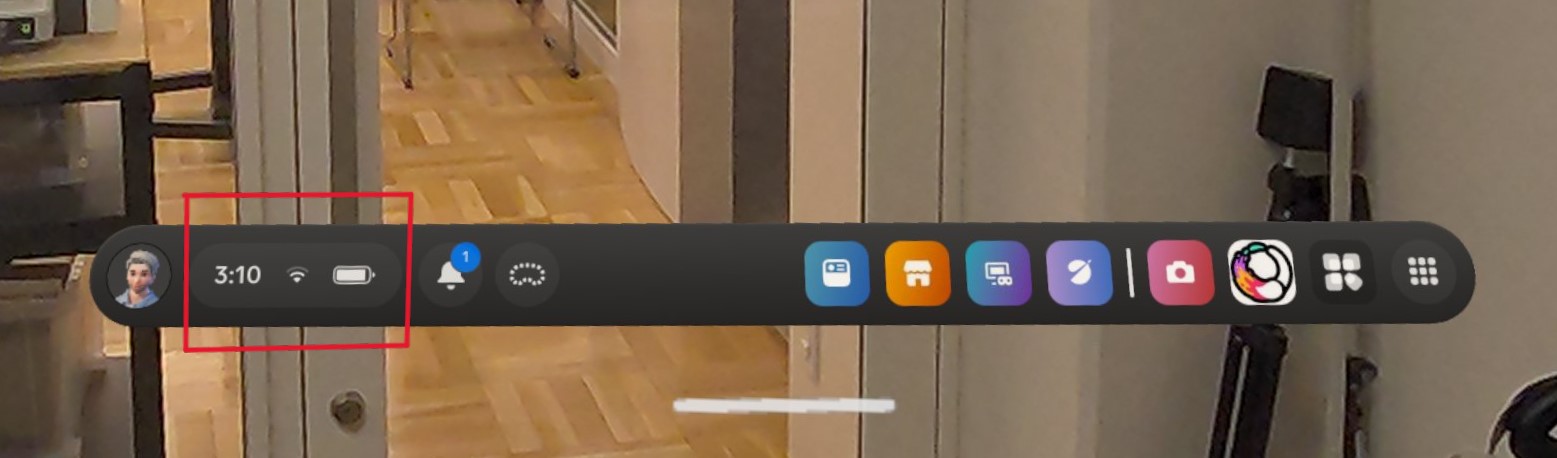
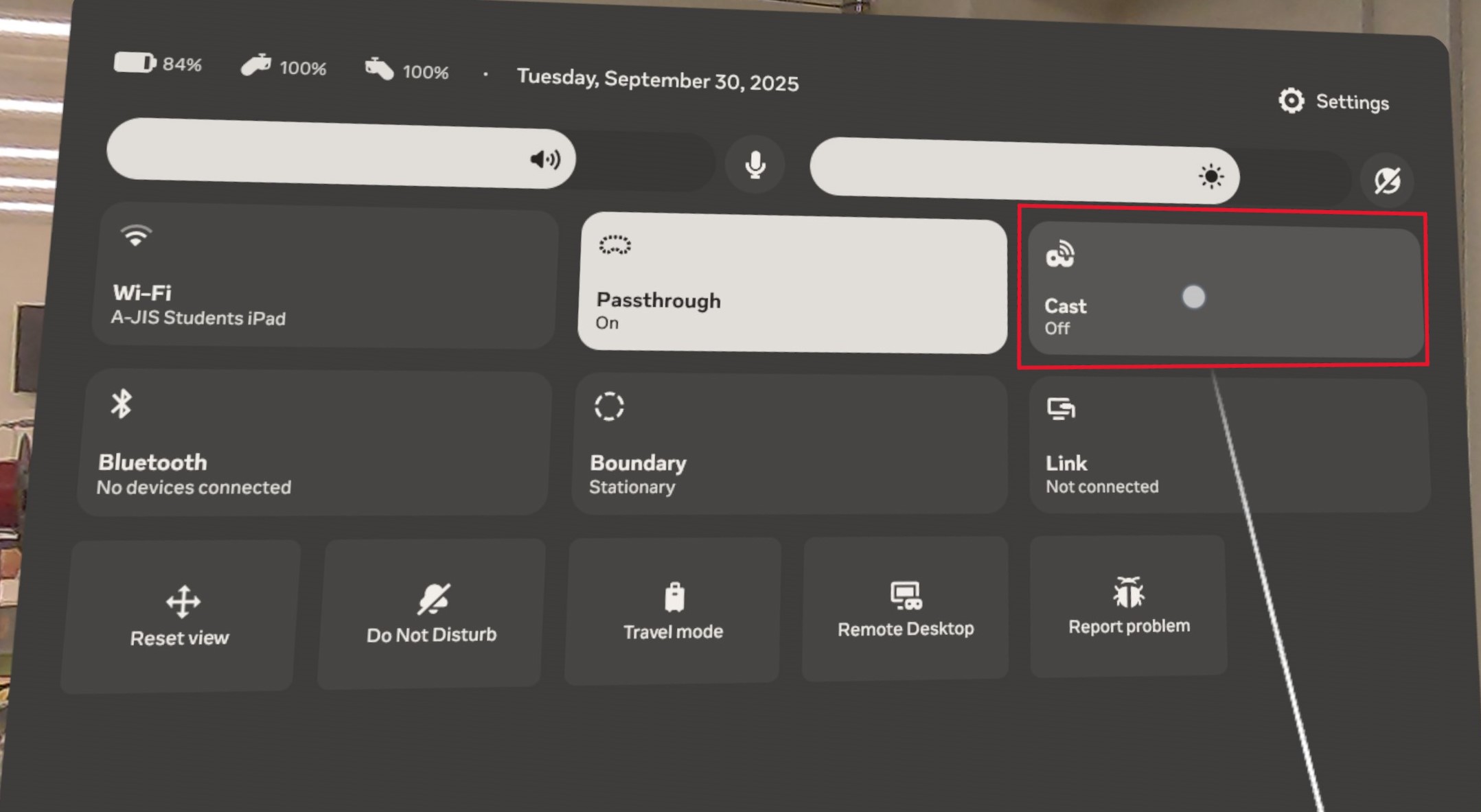
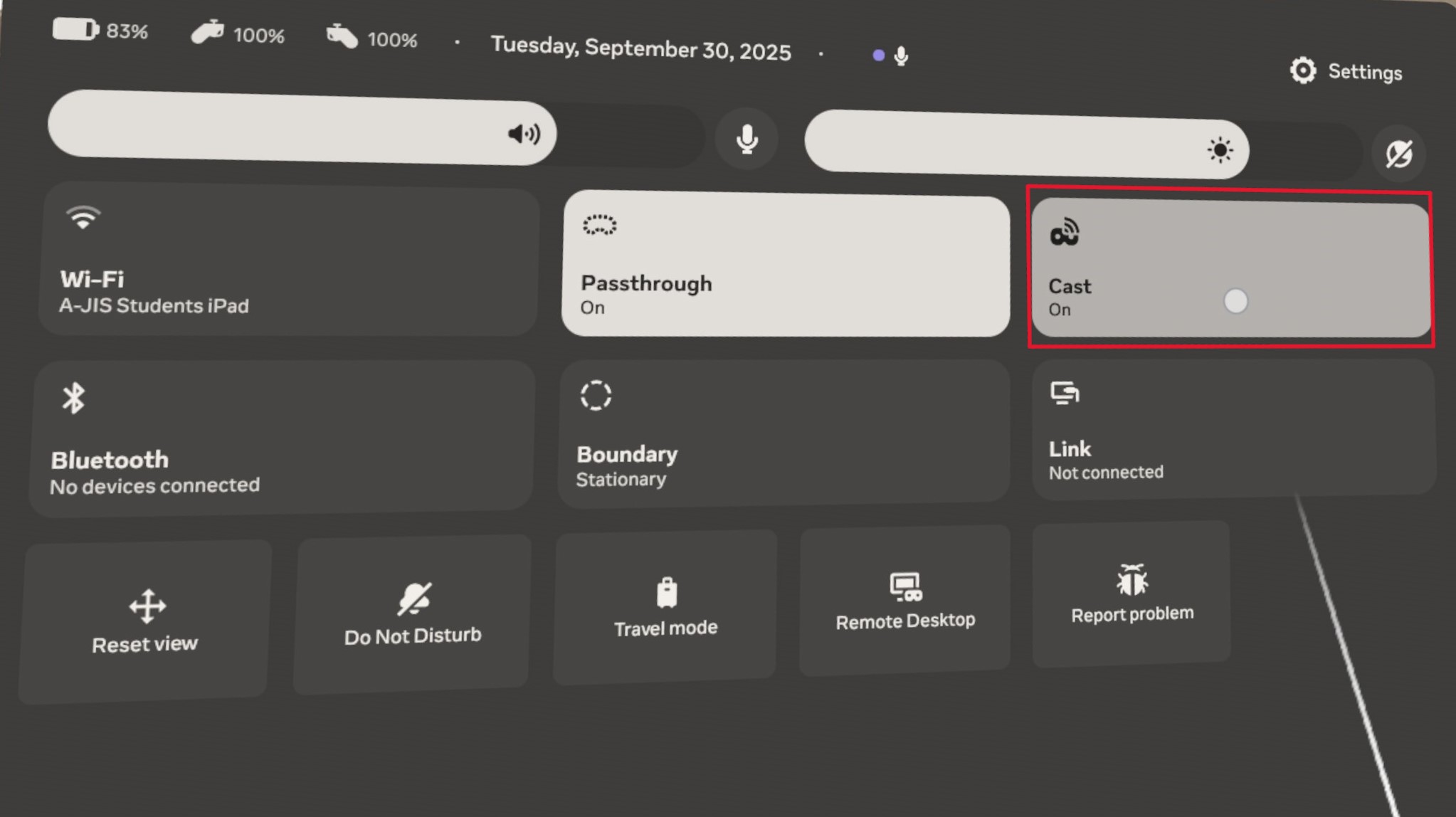
In Quick Settings click on Cast
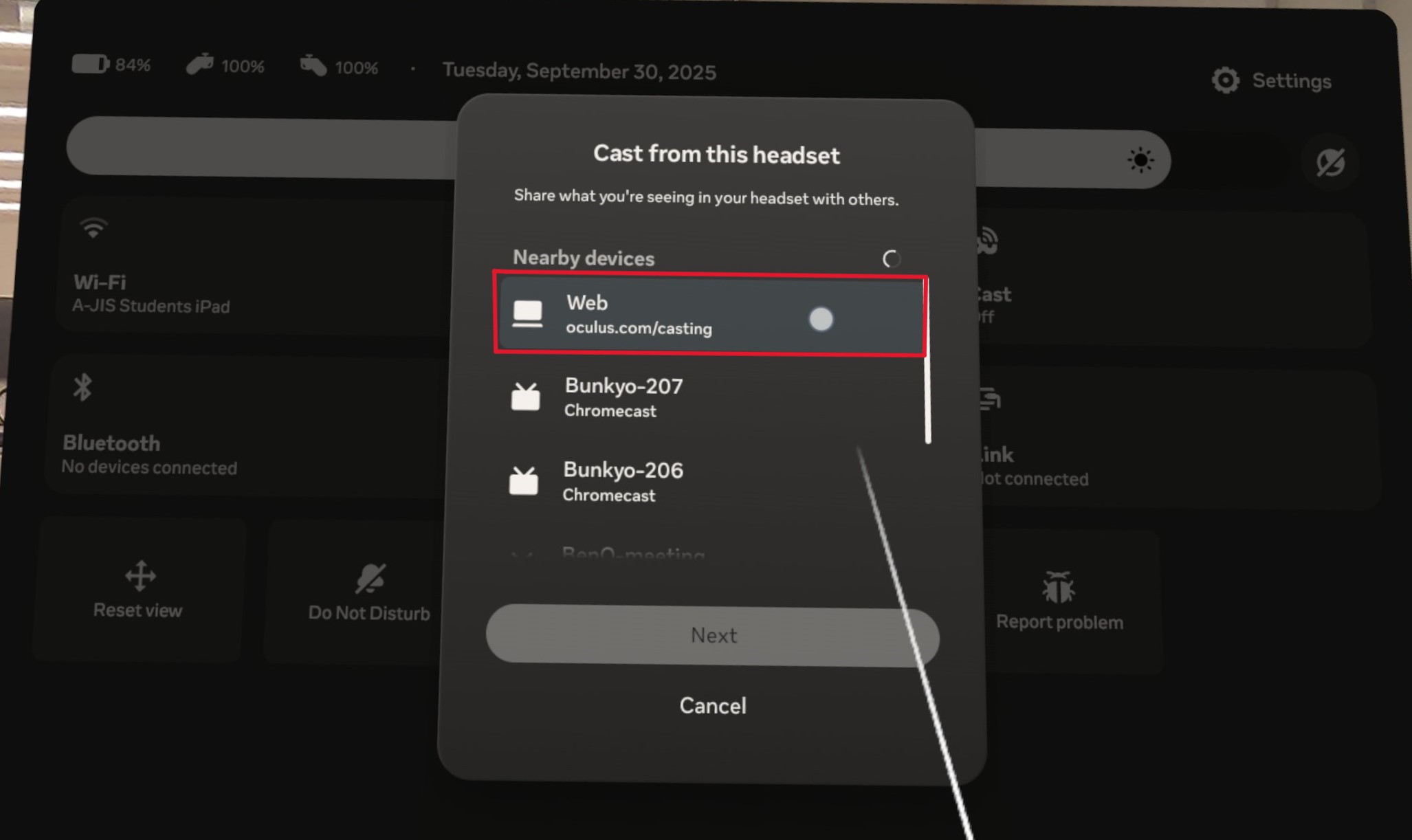
In the popup, click on Web
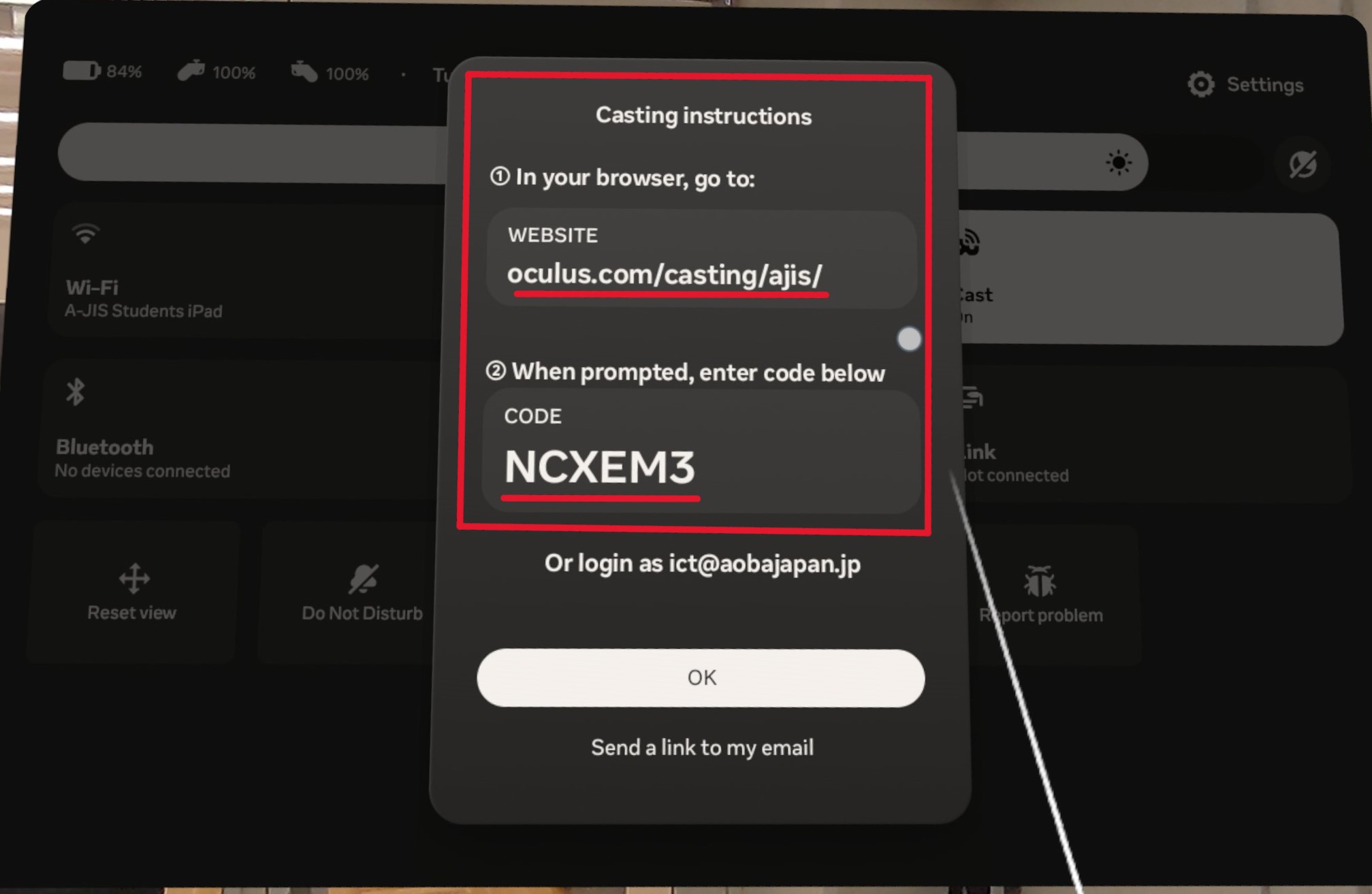
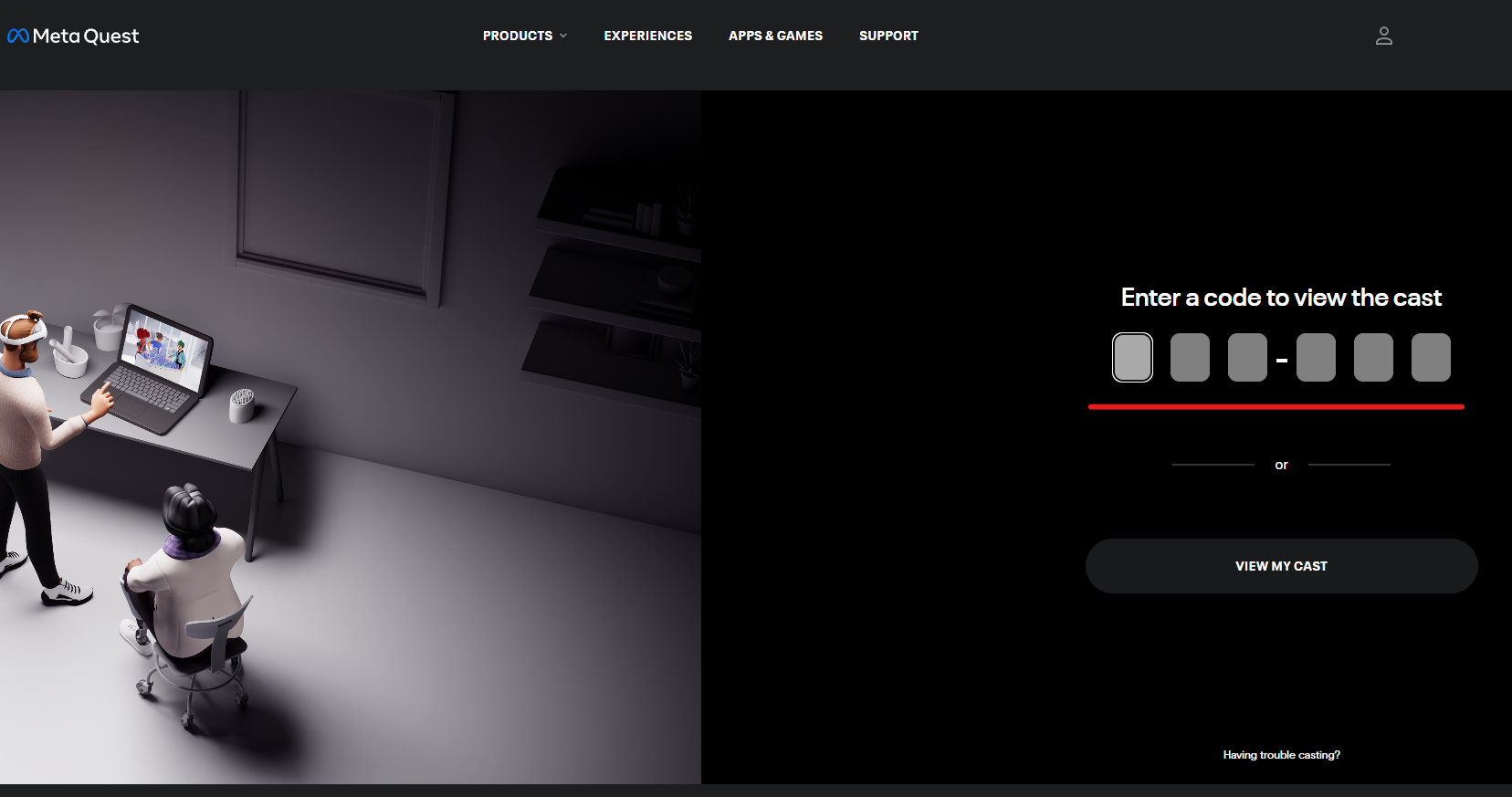
You will see this window. On another device (MacBook), navigate to oculus.com/casting/ajis and enter the code.
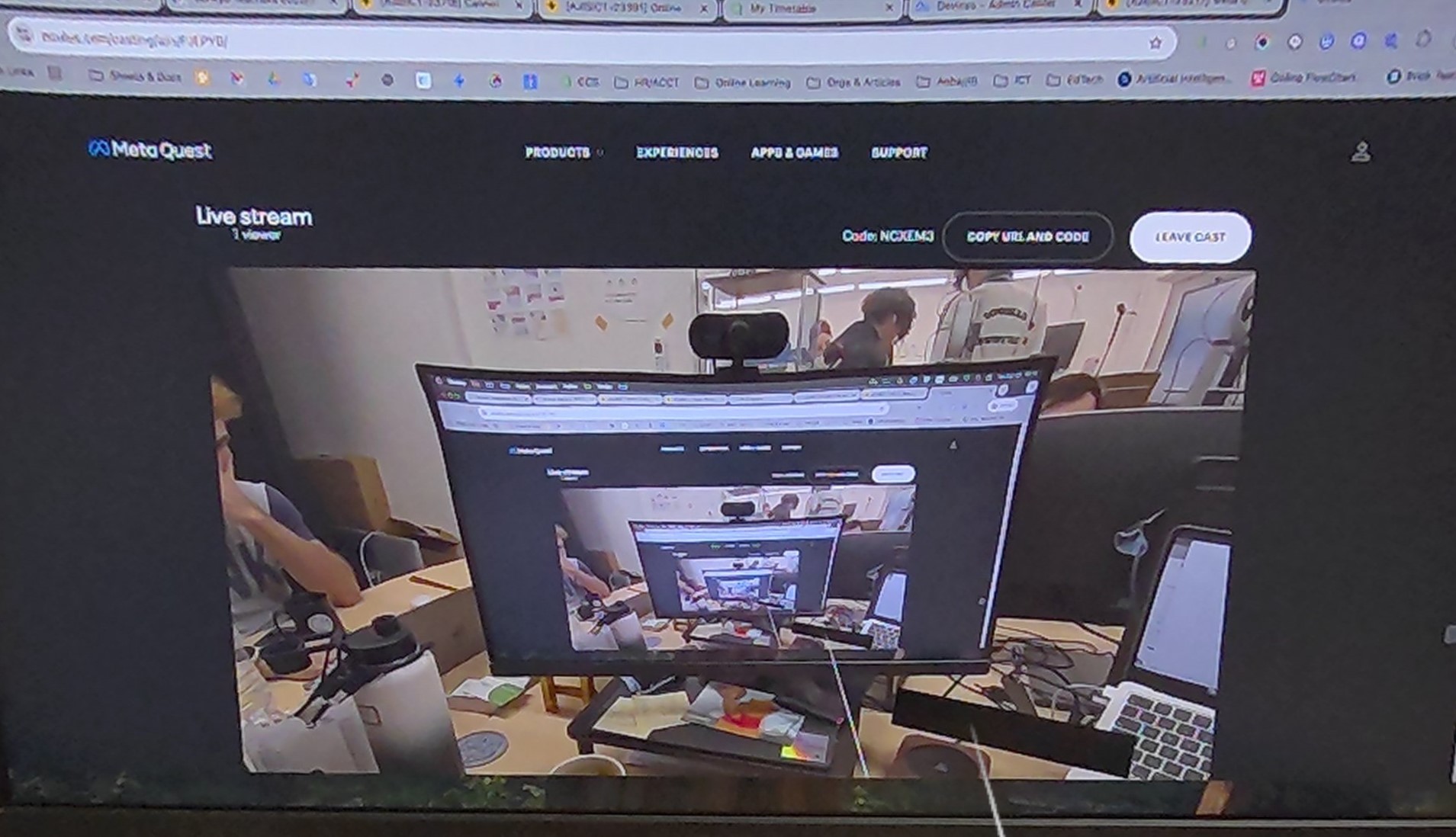
It will begin casting your entire view from the Meta Quest VR device.
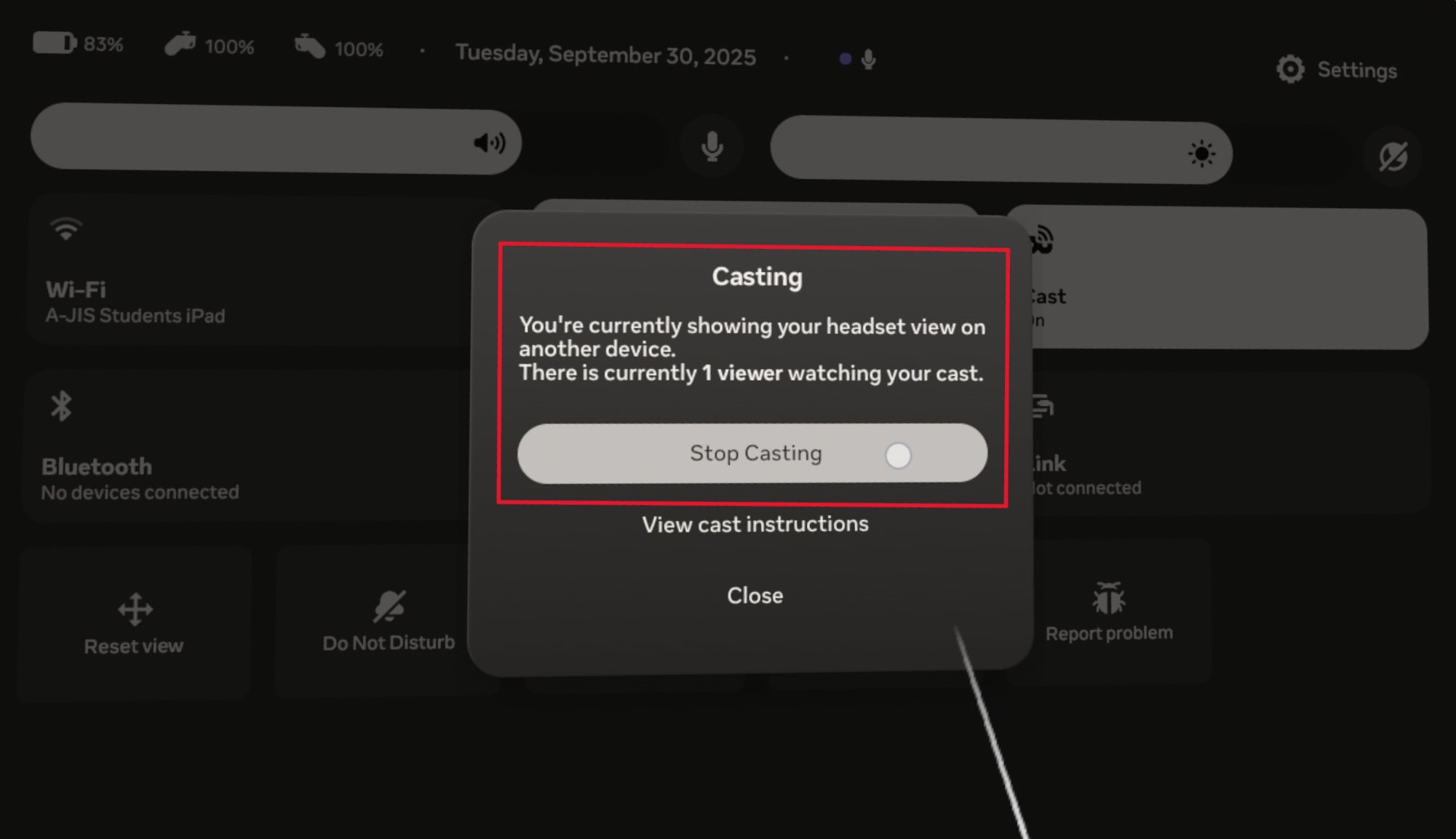
To end the cast, go back into Quick Settings , click Cast, and then Stop Casting
Method 2: Link
This method requires a windows PC and the AirLink software, and optionally an USB-C cable
In the VR space (virtual or pass through) click on the Quick Settings button
In Quick Settings click on Link
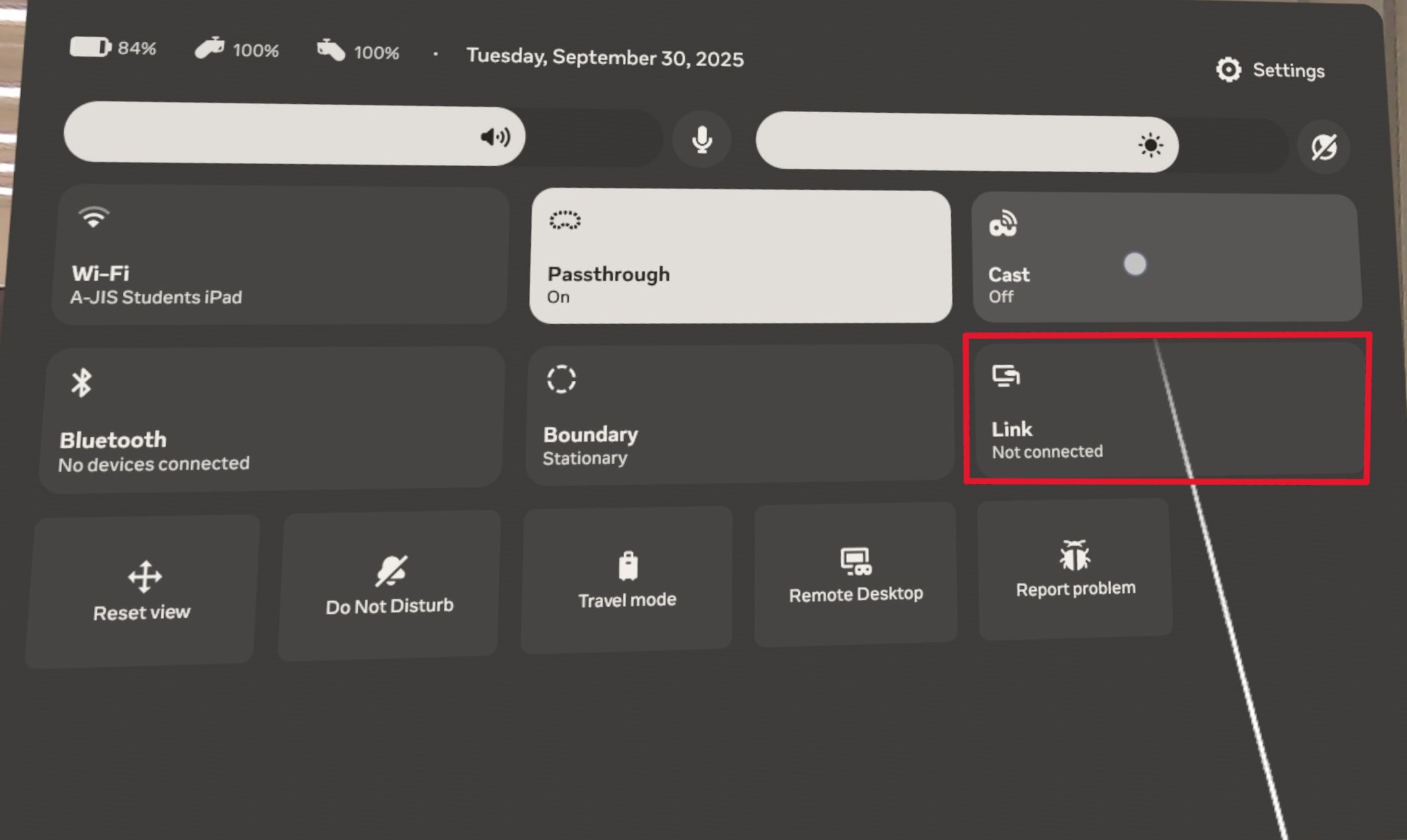
At this point, you can connect via USB-C cable for a wired connection, or connect to the AirLink software that’s installed on a Windows Computer. https://www.meta.com/help/quest/509273027107091/