.png)
✏️ Edit a Reservation
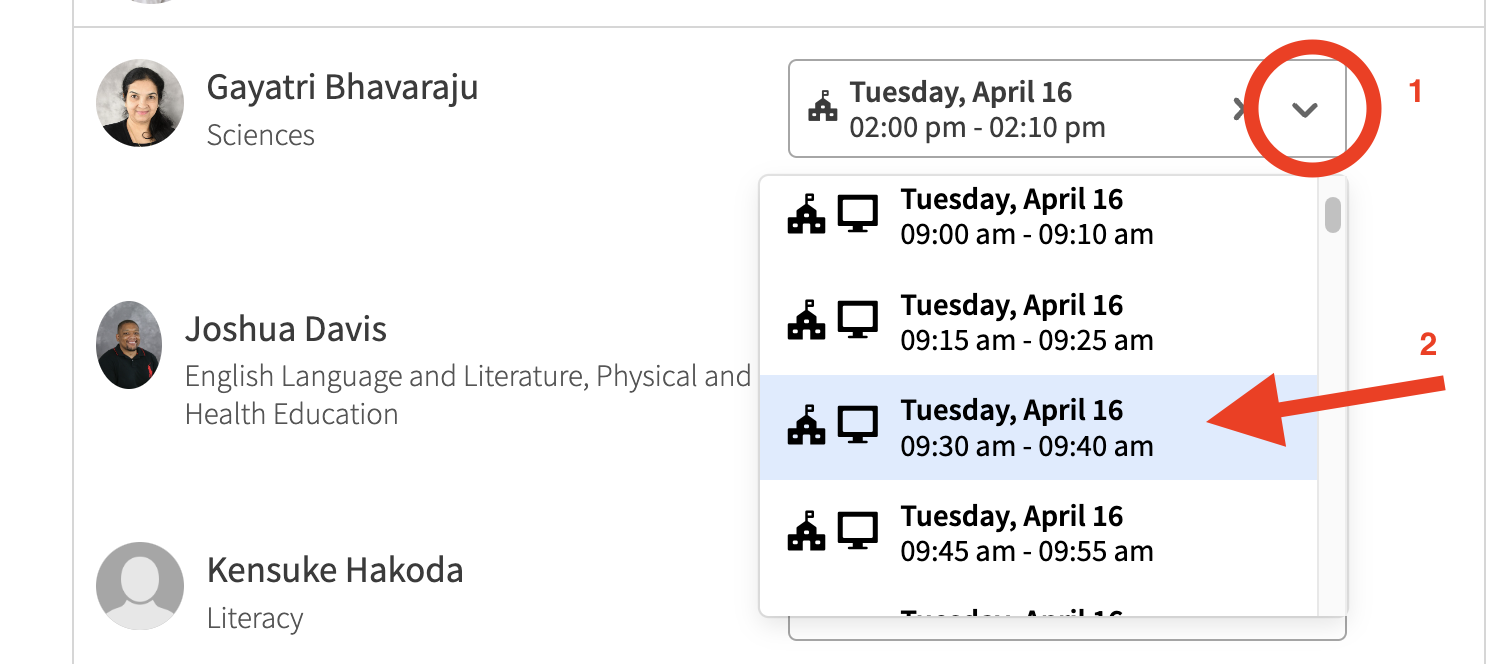
If you wish to book a different time slot for an existing conference, click the down arrow on an existing reservation, and select any other available slot.

Cancel a Reservation
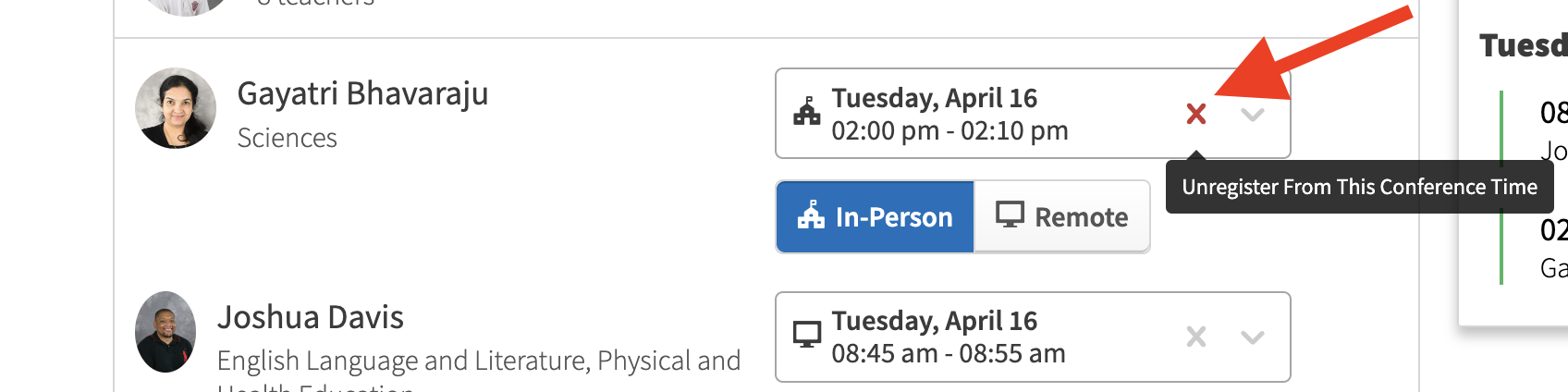
If you wish to cancel a conference slot reservation, click the cross icon on your existing reservation.
✏️ Change Attendance Status
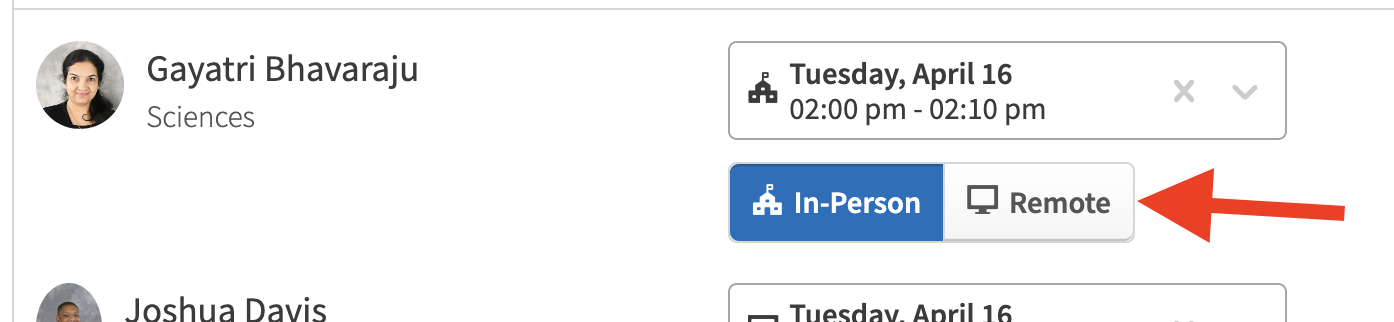
If you wish to change your attendance status from In-Person to Remote, and gain access to the Google Meet link, click on the “Remote” button for the corresponding conference slot.