.png)
ScreenPal is a Aoba supported tool for recording, editing, and sharing instructional videos. It works directly in your browser or via a desktop app. You can access it here: https://screenpal.com/
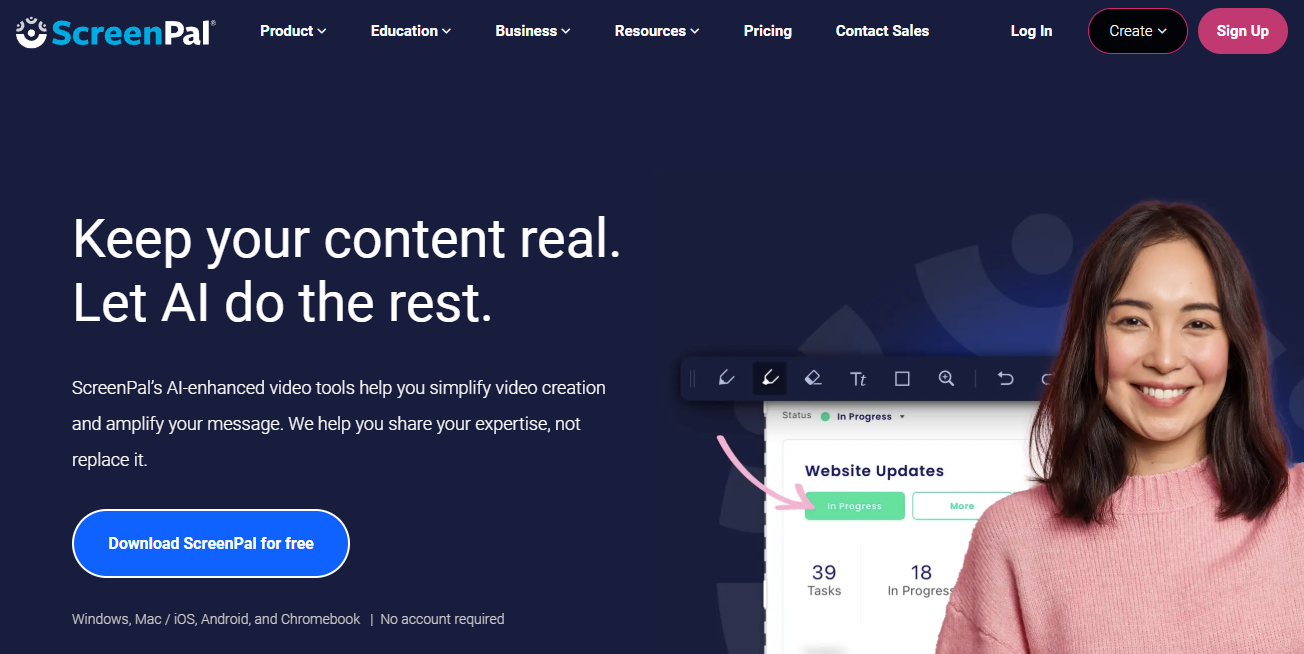
Teachers can use ScreenPal to:
-
Record video lessons, demonstrations, or create flipped learning content
-
Upload and organize videos in libraries and channels
-
Add captions, chapters, annotations, and interactive features/quizzes
-
Share videos via link or embed them in your LMS
Table of Contents