.png)
Default settings ?
When you send an email, on right bottom a short message for 5sec appear and let you to cancel email you sent, by click on "undo".
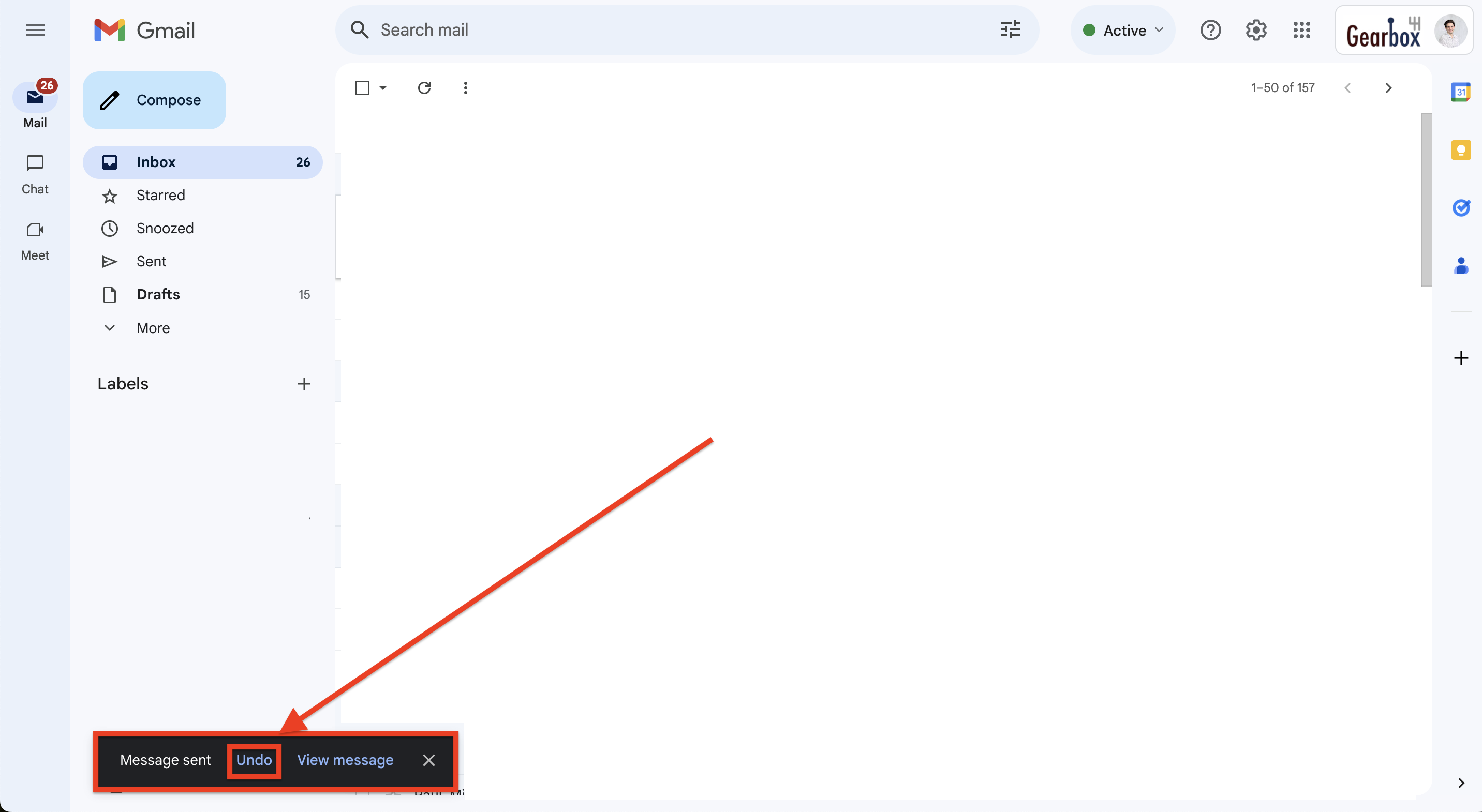
This 5sec timing is short and can be increased up to 30sec, when you click on “Undo” , message sending is cancelled.
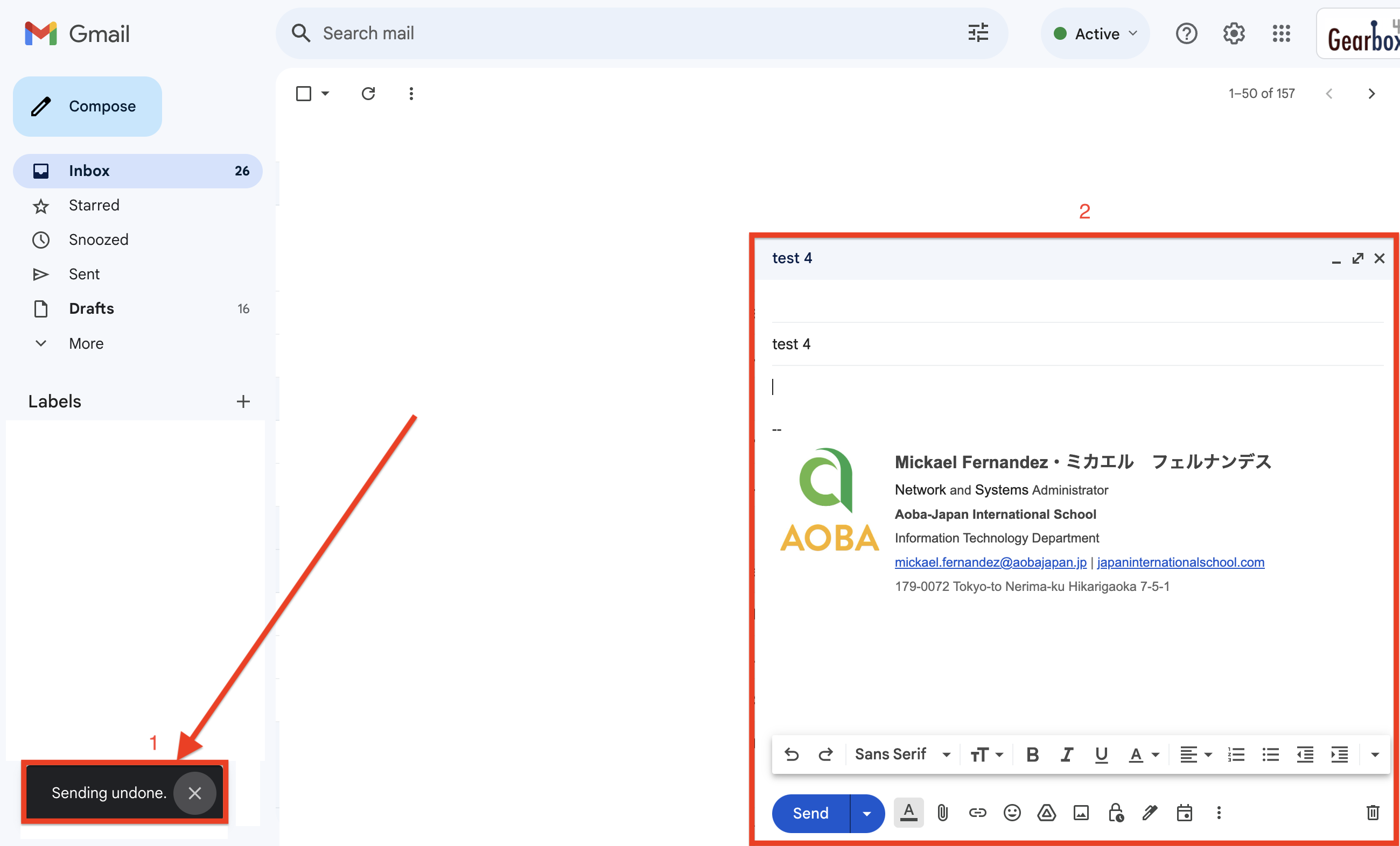
Note: on right bottom this message appears : “Sending undone”
Your email opens and you can edit it as required and send it again.
How to increase the undo timing ?
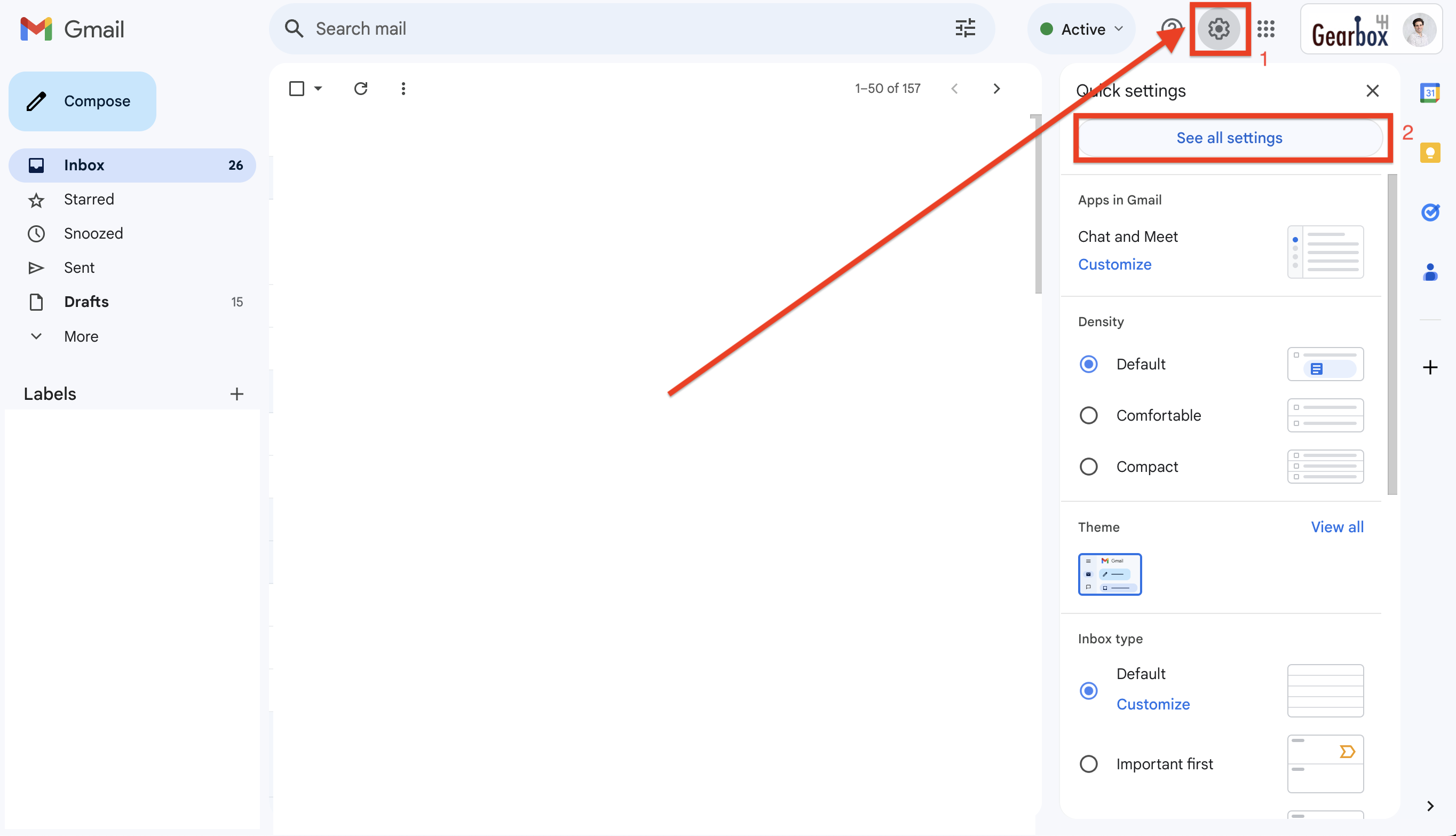
On your mailbox page, click on 
On “Settings” in the “Undo Send” section - Undo Send - you can increase the timing.
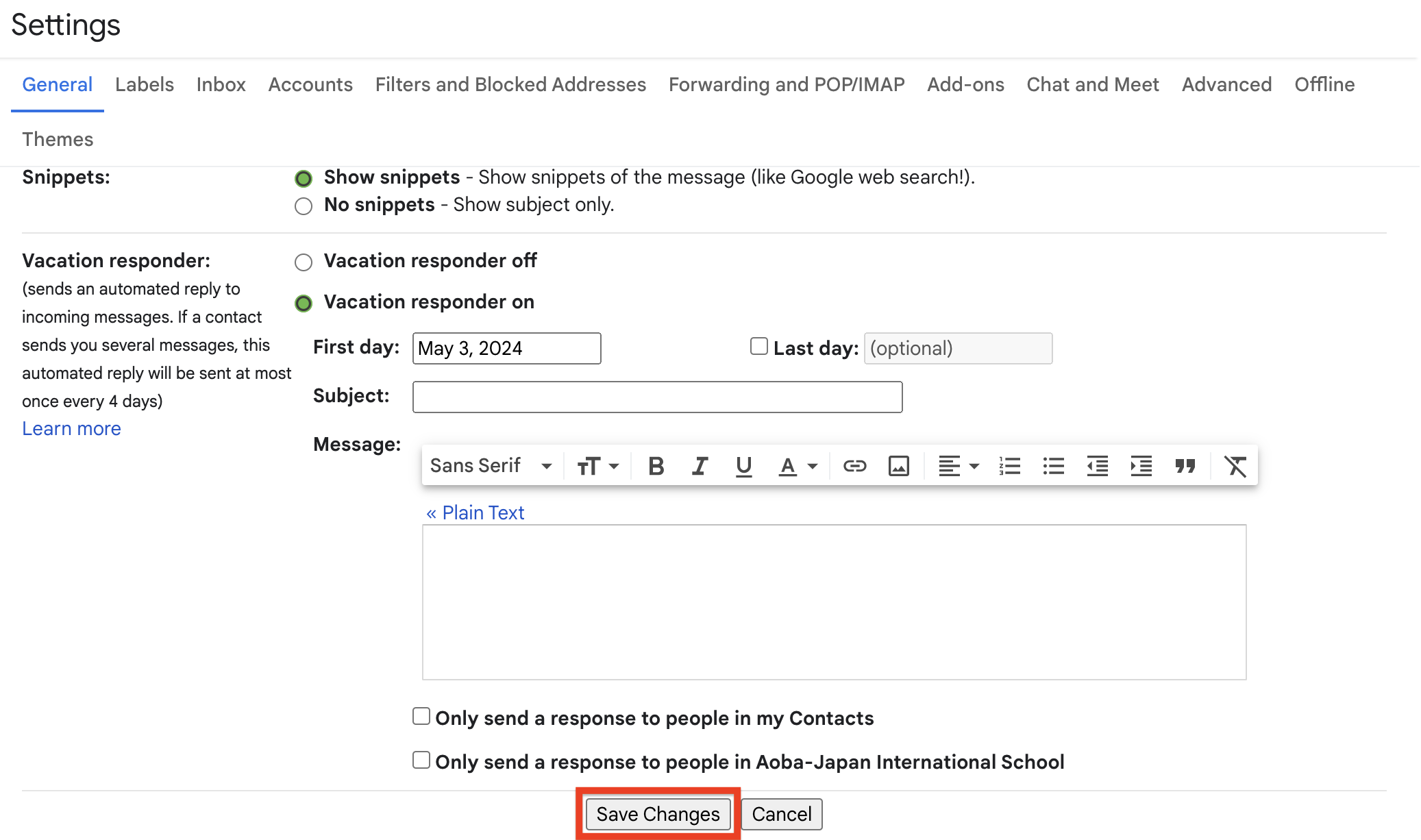
Then scroll down and click on “Save Changes”
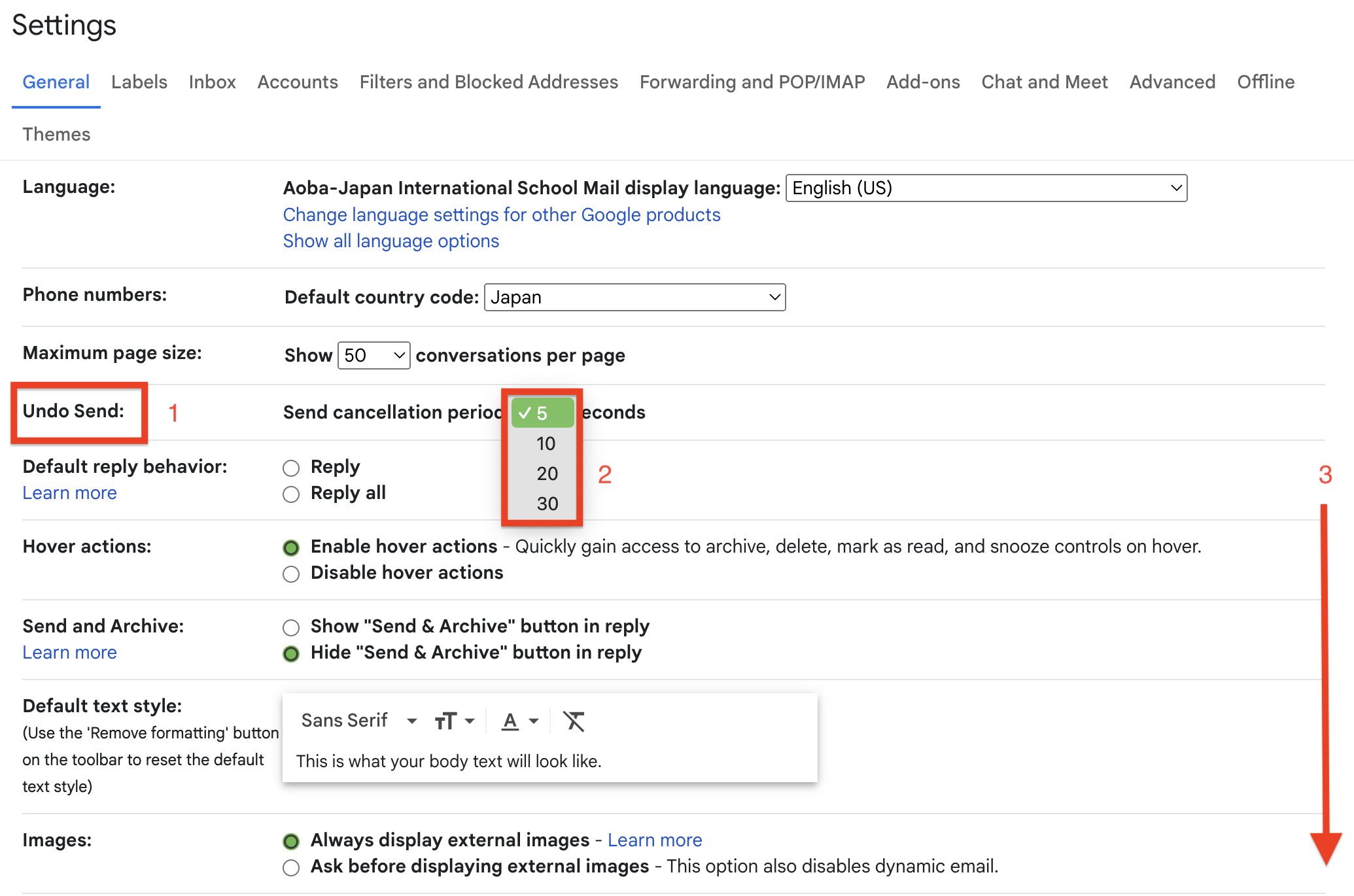
Now you have 30sec to cancel an email you send.