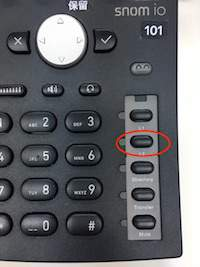
.png)
Features
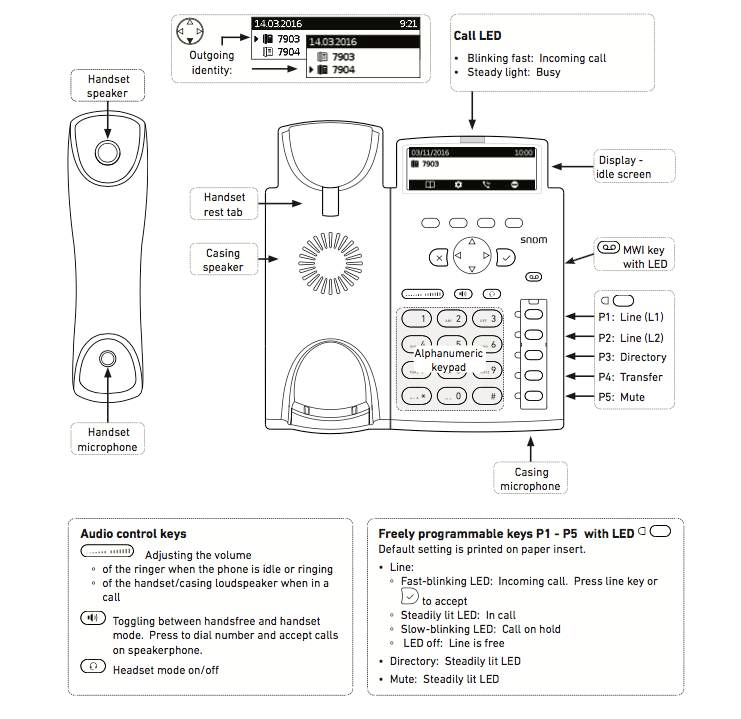
Basics
Call
-
With Handset
Dial the number, pick up the handset or press the check button. -
With Headset
Dial the number, then press headset button -
With Speaker
Dial the number then press check button.
Redial
-
Press check button. select the number by using the arrow keys then press check button again.
Hold
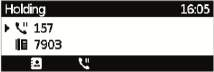
-
While on a call, press

-
To get back to the call, simply press the P1 Line 1 button on the right bottom of the phone.
Transfer

Attendant Transfer
-
Hold the call.
-
Dial the destination extension number then press check button.
-
Once you get to talk to your teammate, you can complete the transfer by simply hanging up.
When the destination extension does not answer and would like to return to your call.-
Press X button and cancel the transfer.
-
Press P1 Line 1 button to return to the call.
Blind Transfer
-
Press [Transfer] while on a call.
-
Dial the destination or press

-
Press check button and the transfer is completed.
-
Adhoc Conference
(Max 3 including your self)
-
Press Hold.
-
Dial the number you would like to add to the call then Hold the call.
-
Press the Conference button

Voice Mail
If you see this button light up it means you have an unheard voice message. Press it to listen to it.
Search from Directory
-
Press Directory
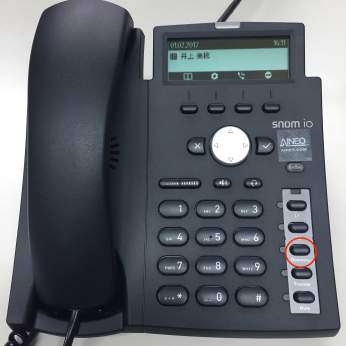
-
Type in the name using the keypad.
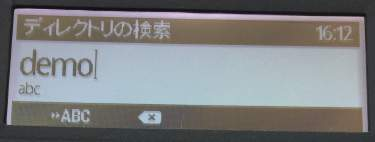
-
Result will show, select and press check button to make a call.
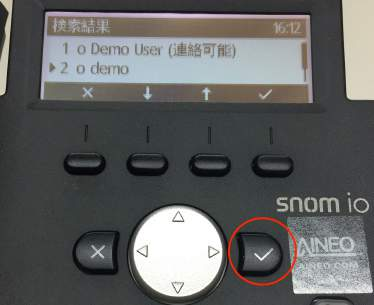
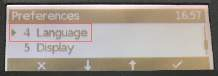
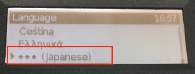
How to change language
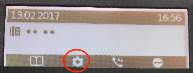
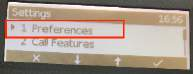
Go to preferences by pressing the “Gear: mark on the scren, then go “Preferences” → Language
Enable DND
Press the “Mute” button at the main menu. Press again to disable. While DND, you will not receive any calls and all incoming calls is to be forwarded to your voice mail box.
Pick up a call
When you want to pick up someone else’s call, press the “L2” button and pickup the handset