.png)
Hi there! Are you interested in using the Meta Quest to try out VR? It’s a great way to explore various disciplines through a 360 virtual lens. Below are some quick tips to help you get started. Aoba has Quest 3, 3s, and 2 for both Hikarigaoka and Bunkyo.
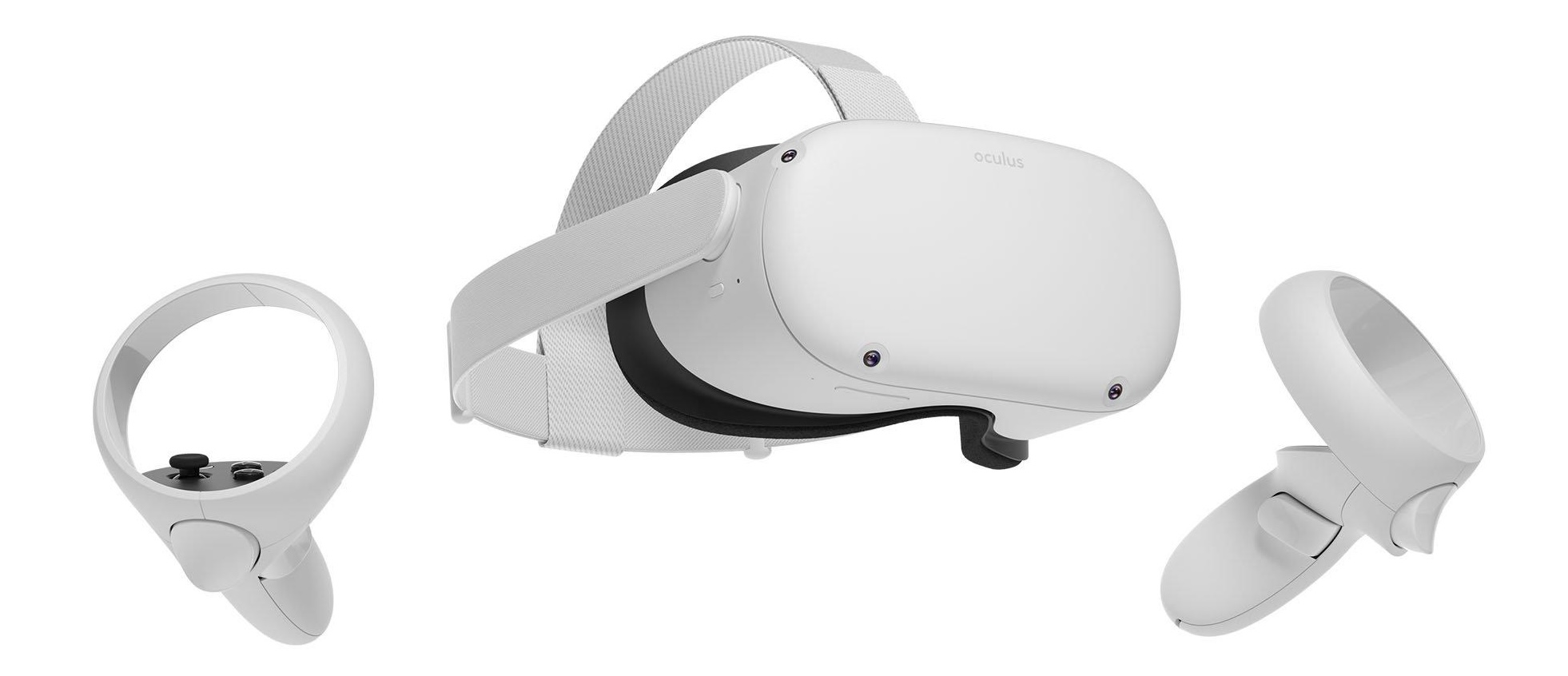
To check it out, please go to our equipment borrowing page and make a request if it’s available
Before checking it out, there are a few requirements:
-
For general usage, please use the Guest account, and do not use personal accounts. This is shared device at school.
-
Be responsible, do not add ‘friends’ or ‘make any purchases’ or save any sensitive personal information
-
Be sure to return all equipment.
-
Meta Quest Headset
-
Charging adapter + USB-C cable
-
2 controllers (Left and Right)
-
Carrier bag
-
How do I put it on?
How to setup a boundary?
How to navigate within?