.png)
Step by Step
-
In your web browser (either desktop or mobile browser) navigate to the URL https://portals.veracross.com/aoba/student
-
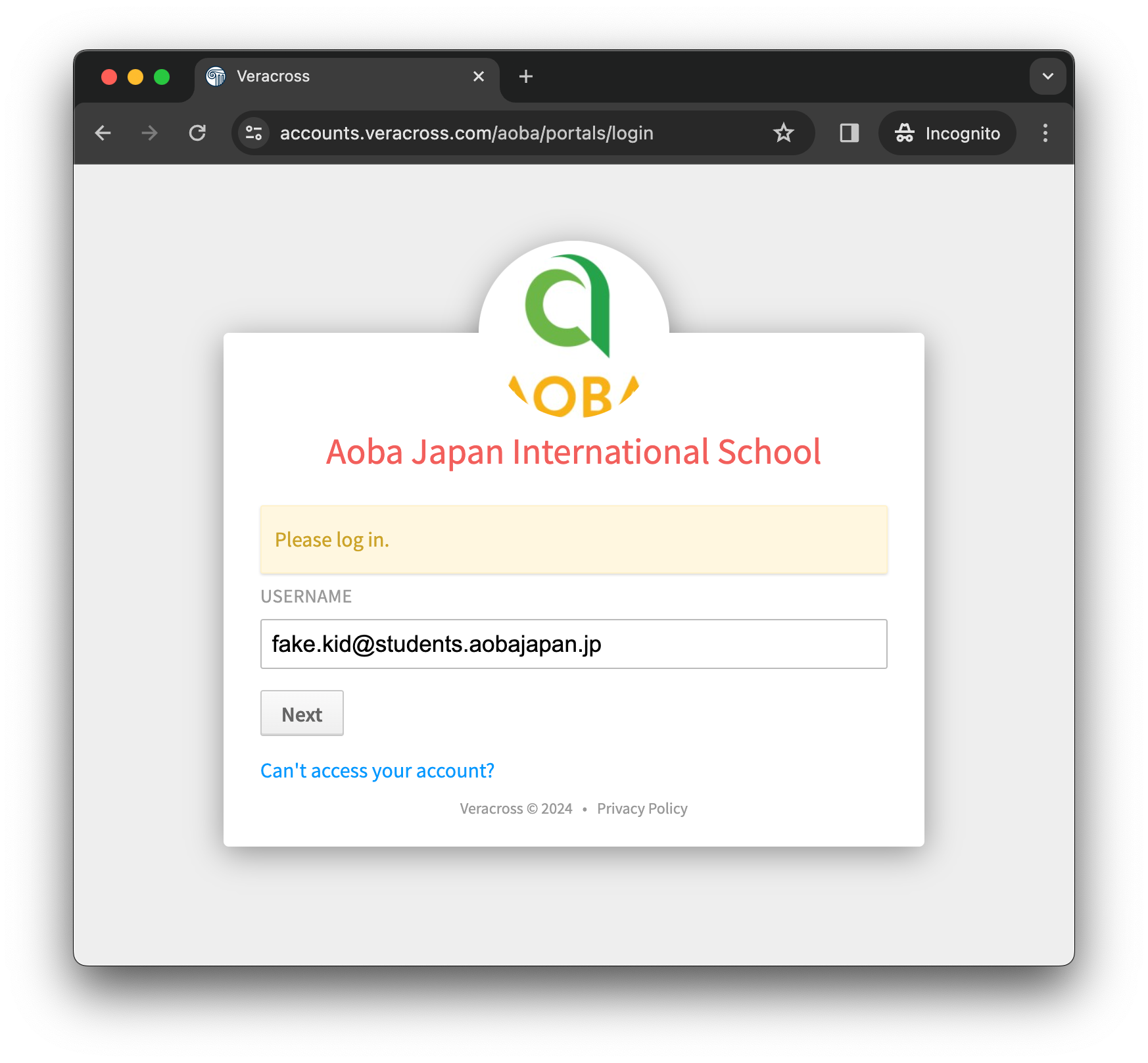
Enter your Aoba Google Workspace email address in the USERNAME field.
-
Select the “Next” button at the bottom.
-
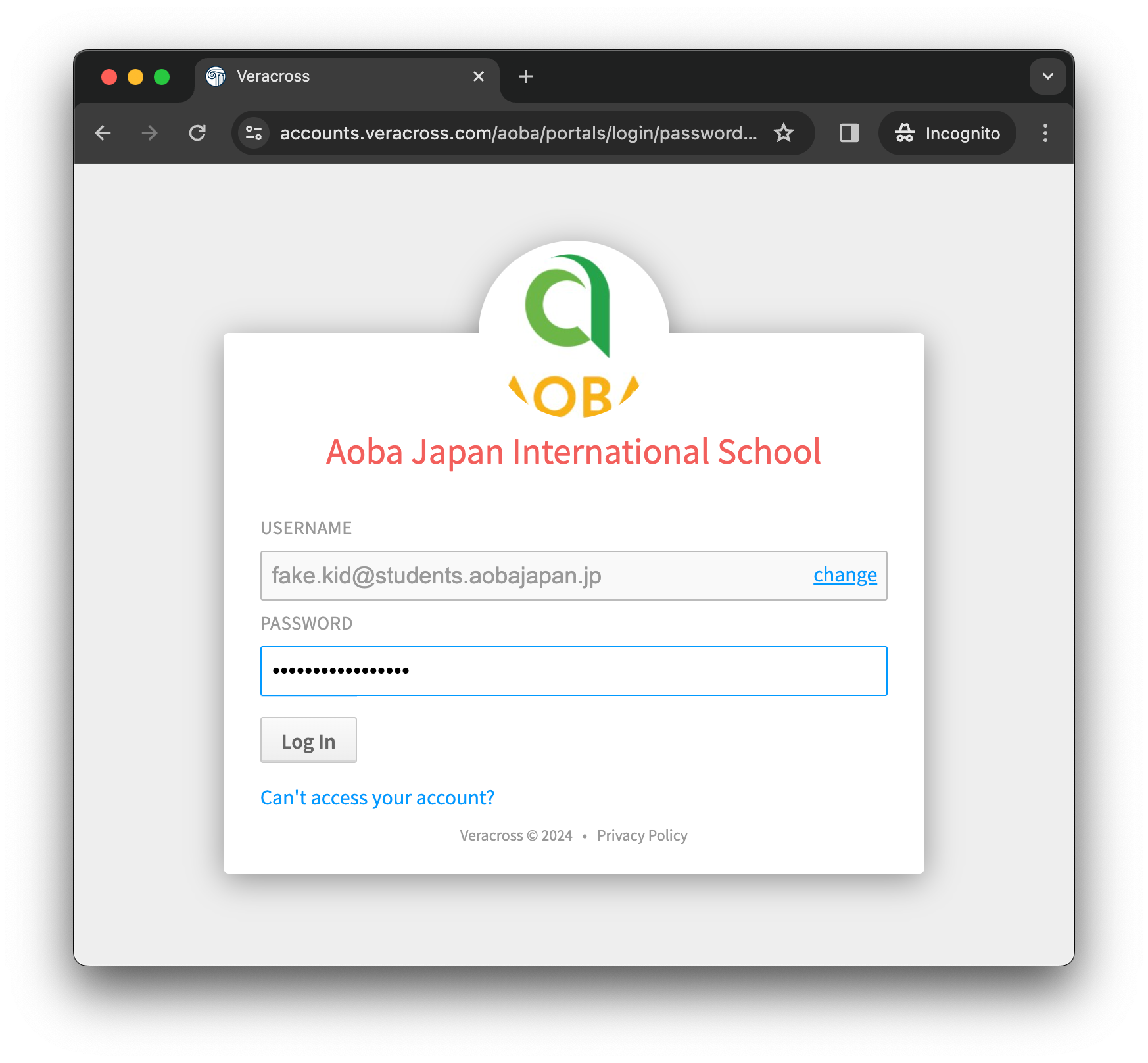
Enter the same password which you use to sign in to your Aoba Google Workspace account into the PASSWORD field.
-
Select the “Log in” button at the bottom.
-
If the username (Aoba Google Workspace email address) and password you entered are correct you will now see the the Student Portal home page.
-
All done!
If you have forgotten your password or have other issues signing in please contact the school technology team at ict@aobajapan.jp
Your Student Portal access is tied to your Aoba Google Workspace account and this is managed by the school technology team, who will need to assist you directly with password reset and other tasks.