How do I register a user in a course on Aoba Global Campus?
As an admin on Aoba Global Campus, if you have the necessary permissions, you can easily register a user in a course.

The necessary permissions to manage user enrollment in courses for your institution are “enrollment_manage” to add and remove users from any course and “users_manage” to create their account if their account does not exist.
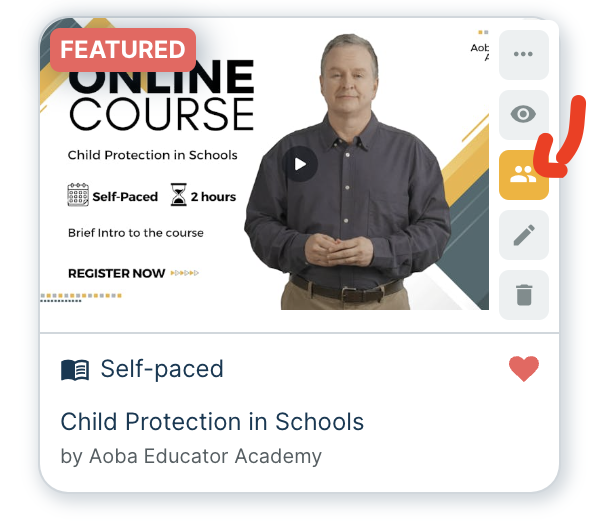
📘 From the Course Card
On the course card, select the action menu represented by 3 vertical dots:

In the action menu, select the “Course Enrollments” action
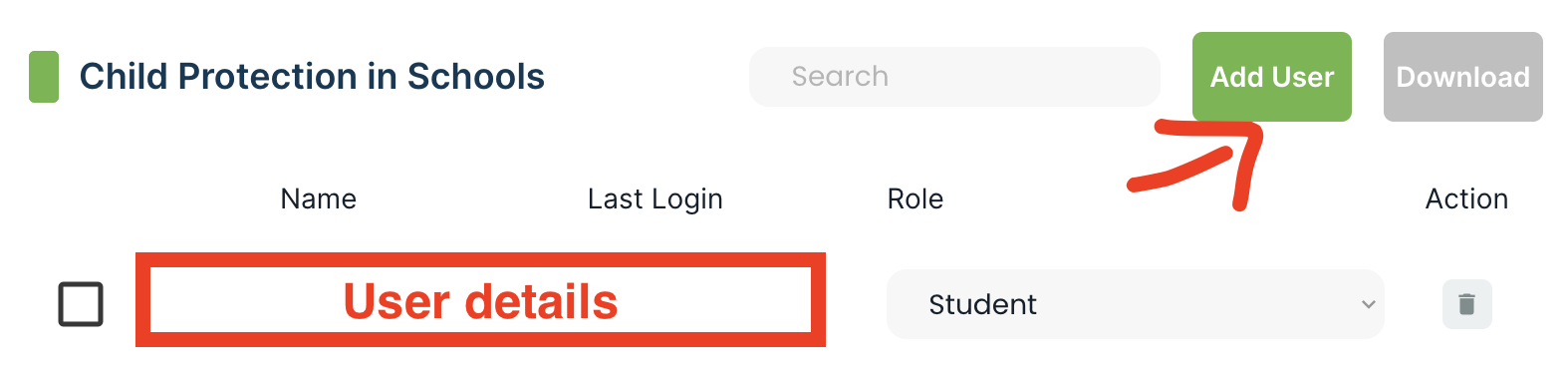
On the Course Enrollment management tab, select “Add User”
Enter the required details (email address, role) and select “Add to Course”
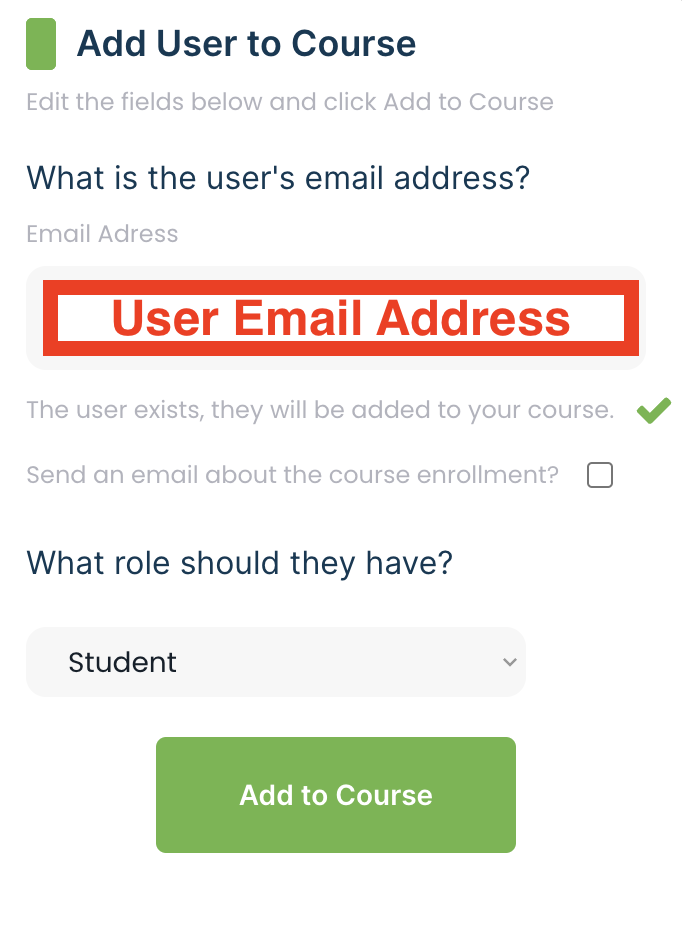
If the user’s email address is not associated with an account, you will be required to create their account before adding them to the course.