.png)
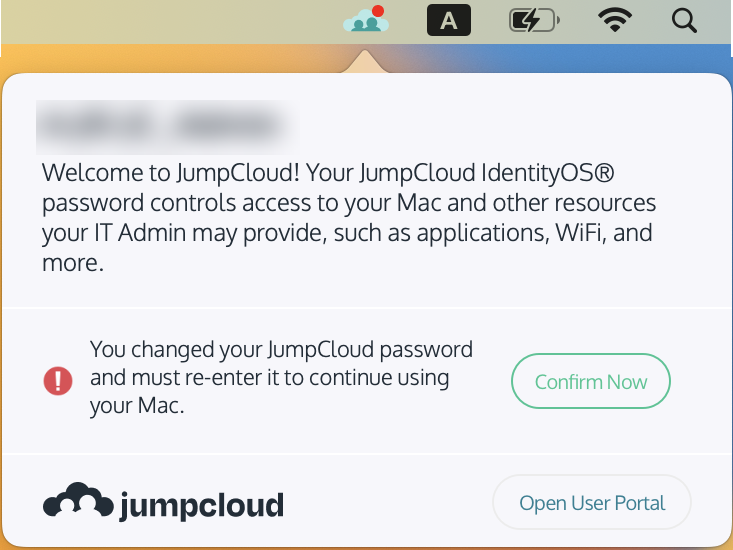
After a password has been updated you must verify the change from the JumpCloud icon on the Menubar.
From the JumpCloud icon on the menu bar, click the Confirm Now button.
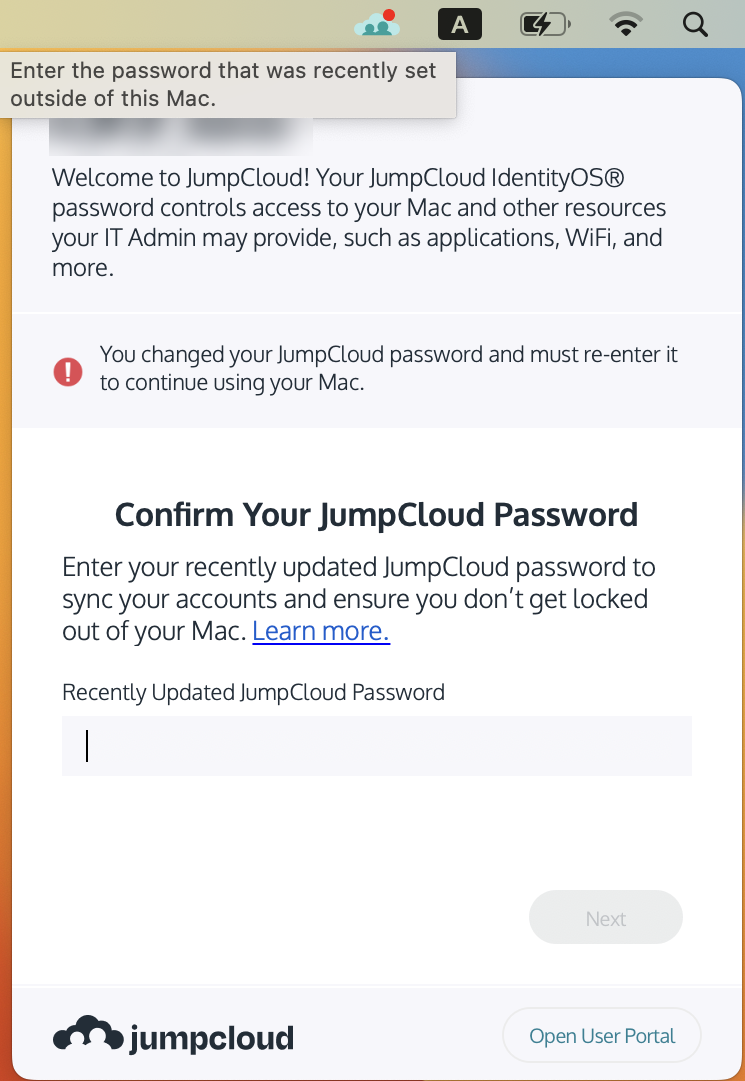
It will then ask you to enter your new password that was just created. Enter that in the box that appears.
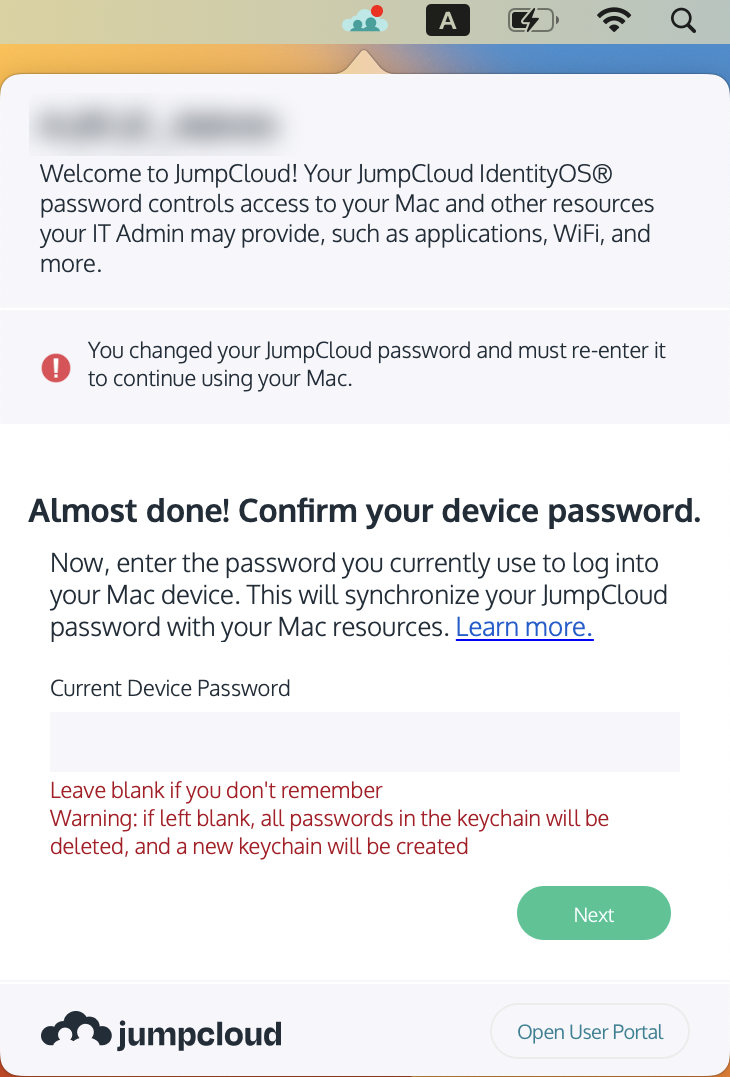
It will then ask you for your previous password. If you do not know your previous password, just leave this blank. If you do know your previous password, please enter it here.
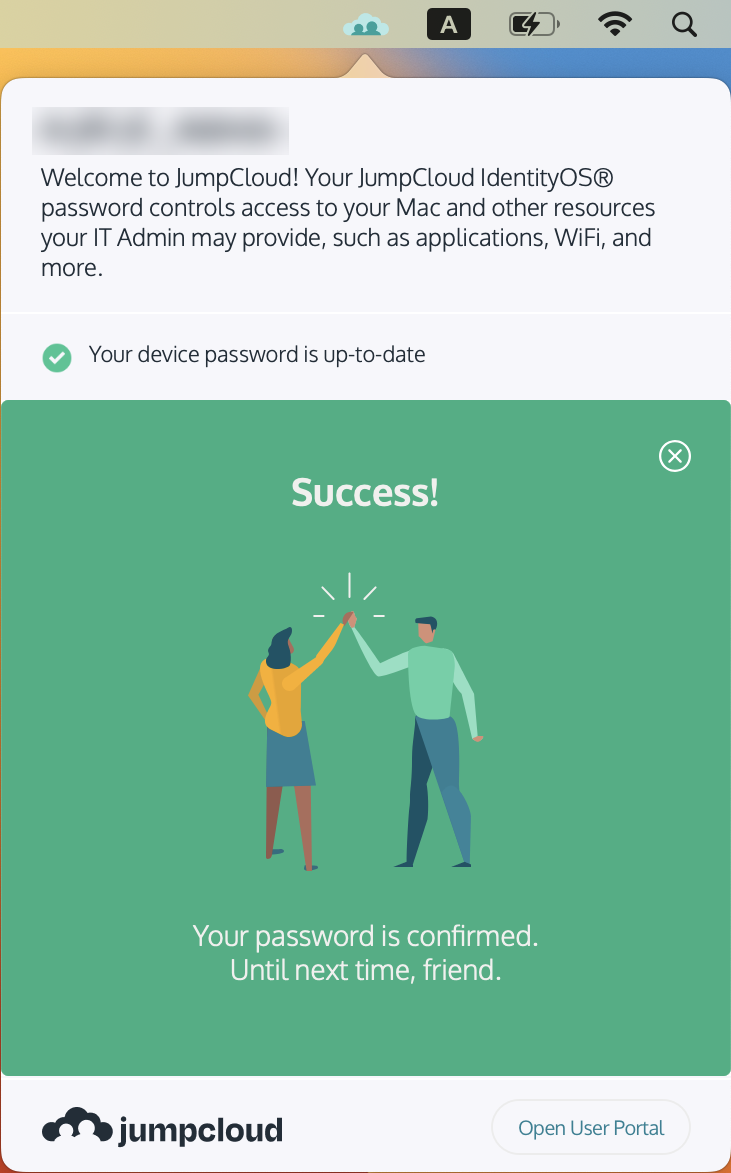
After clicking the Next button, your password will be updated.