.png)
For students & teachers:
Getting connected to our Student Wi-Fi with these simple steps.
How to scan a QR code with the Camera app
-
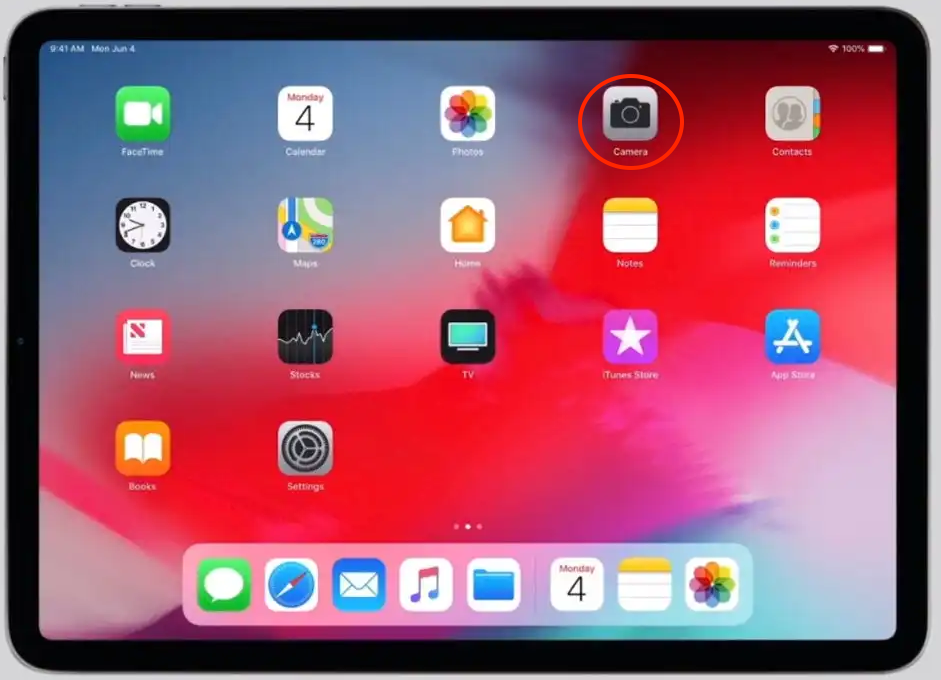
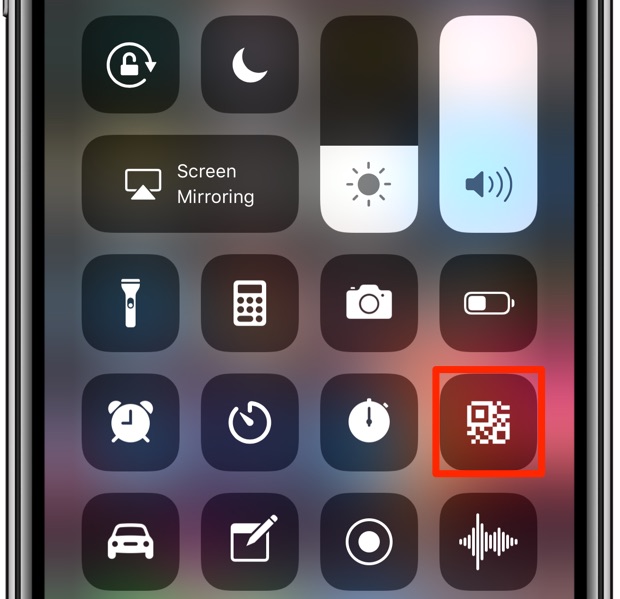
Open the Camera app from the Home Screen, Control Center, or Lock Screen.
-
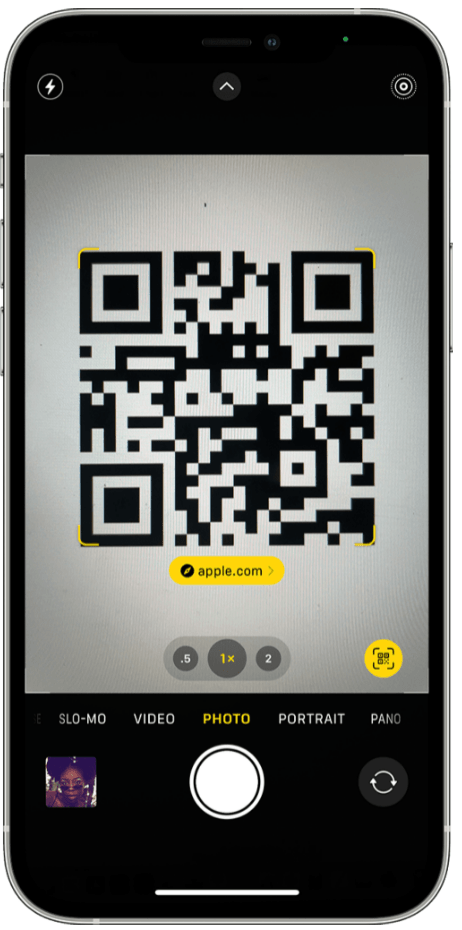
Get the QR Code ready, and aim the camera at the QR code:
-
Tap on the yellow label to connect to the Wi-Fi.
If the yellow link doesn't show up when you point your camera, don't worry.
Follow these steps:
-
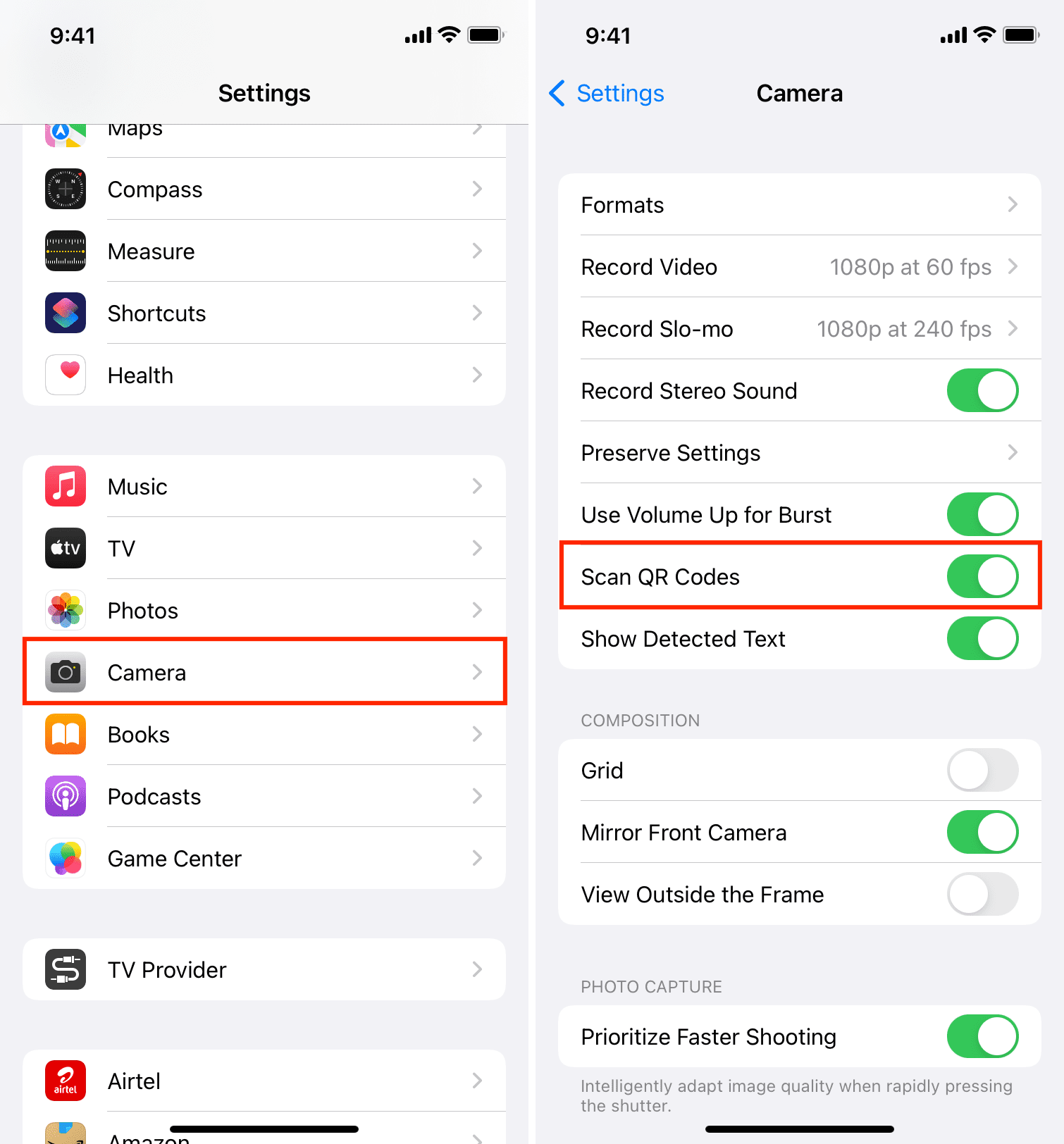
Go to Settings
-
Search for the Camera app
-
Turn on “Scan QR Codes”.