.png)
Access link: https://www.figma.com/figjam/
Figjam, a product from Figma, is a web-based, infinite whiteboard collaborative design tool that can allows you to create, share, and ideate together in real time.
As a K12 school, we are verified to use their products free of charge.
-
Figma, the industry-standard design platform, is used to make wireframes, software prototypes, and so much more https://www.figma.com/
-
FigJam, infinite whiteboard, facilitates collaboration for any class activity like brainstorming, discussing, or making learning visual https://www.figma.com/figjam/
How do I get started?
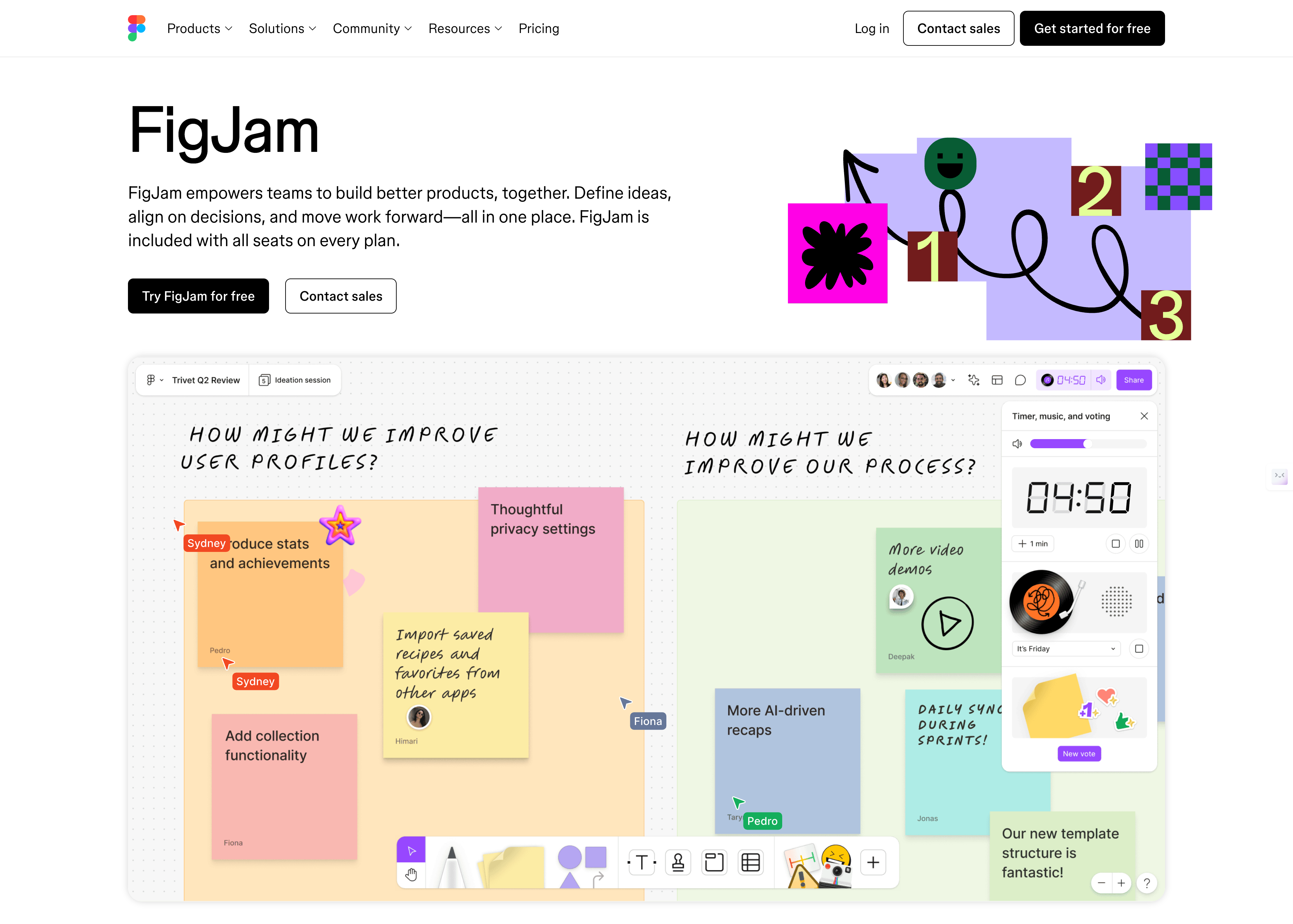
First, make your way to https://www.figma.com/figjam/ and then click on Log in
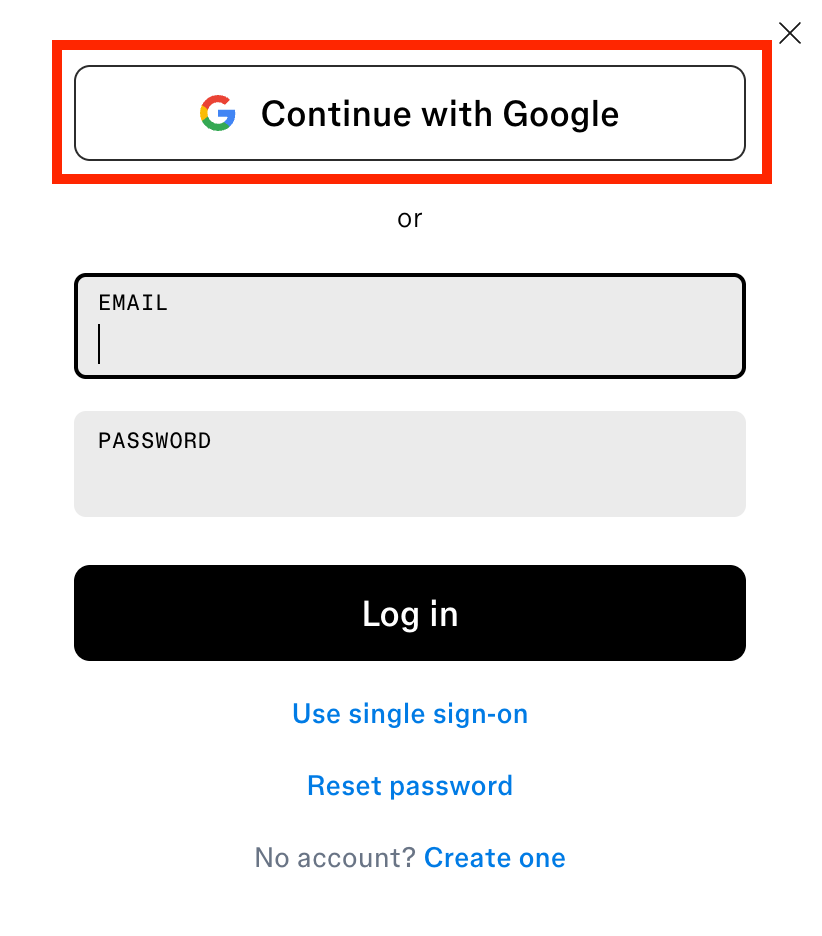
Then use your Aoba Google account to sign up/sign in. If it is your first time, you will automatically receive a license if it’s your first time.
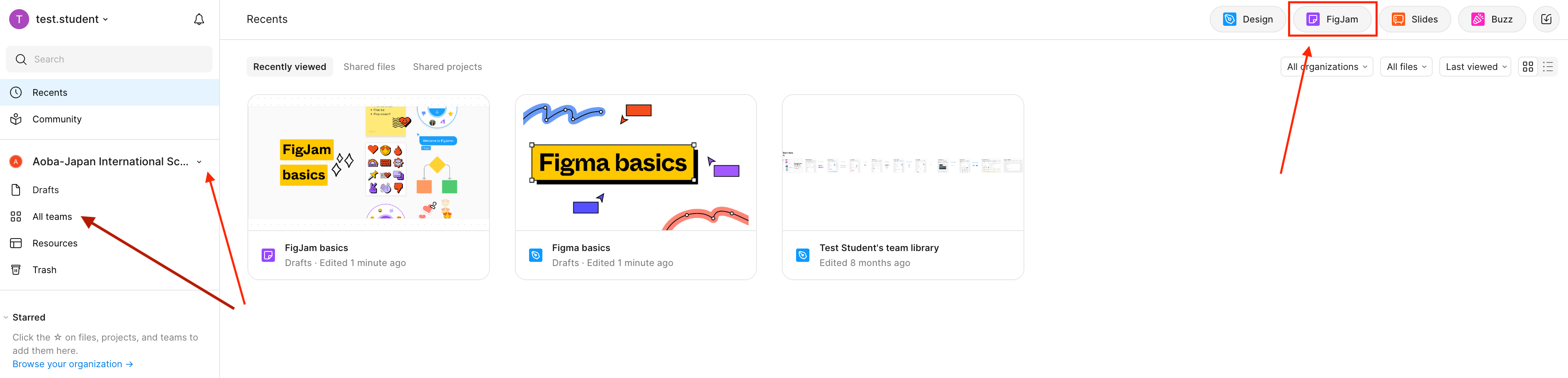
Once you’re logged in, you can begin using it right away.
-
Top right: Start your own board
-
Left upper: Toggle between the school or your personal space
-
Left lower: Check the Bunkyo team for sample ideas!
How do I use the board?
The best way is to start playing around! I’ve added a few tips below to help you get started. Keep in mind that both left click and right click have different functions.
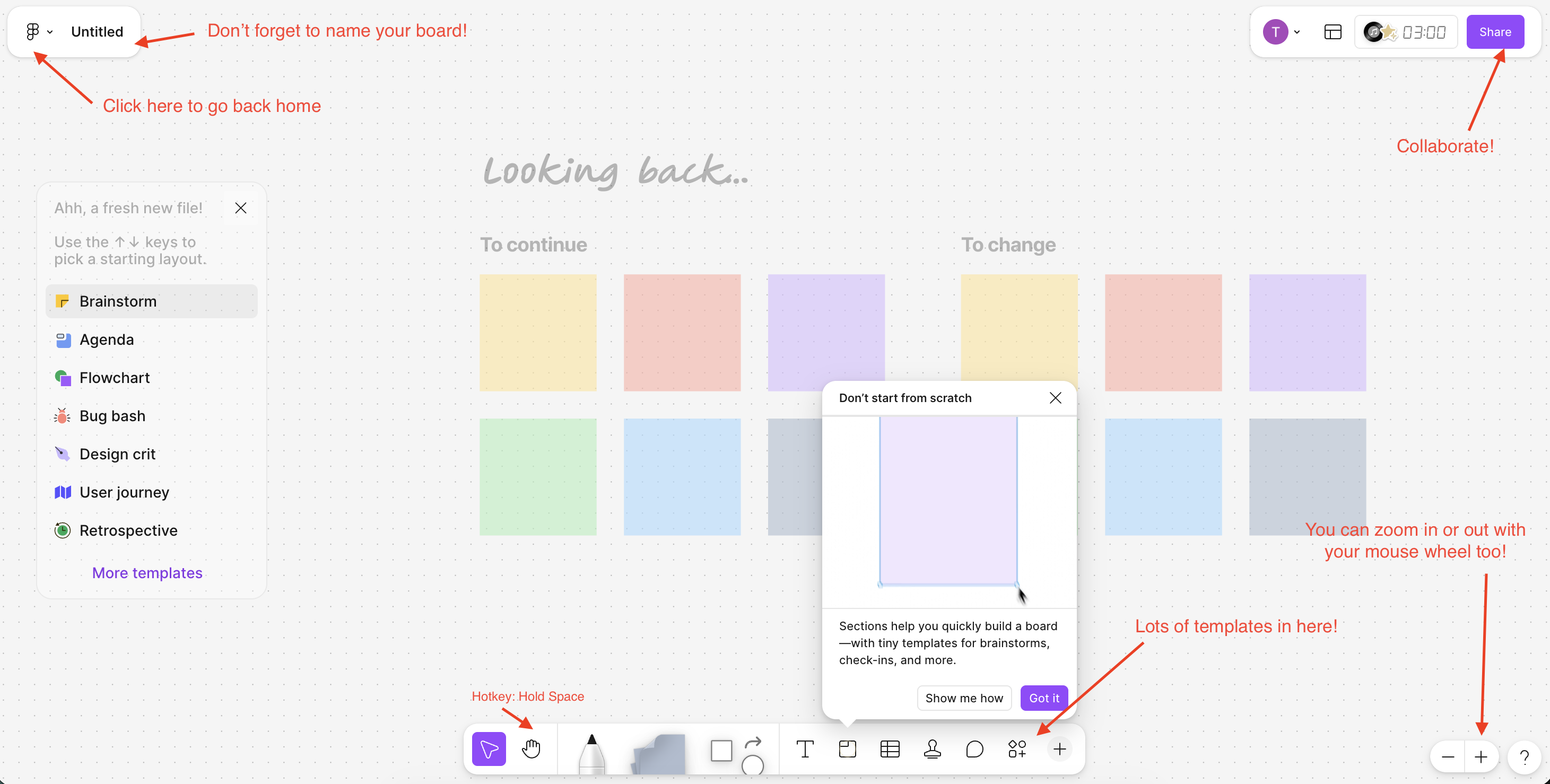
Remember to keep your board organized and easy to find! It’s a shared space 🙂
If you need help, please reach out to ICT Learning Technologies Team for assistance.