
In order to reset your password on Aoba Global Campus, click the “Login/Signup” button in the header and follow these steps:
-
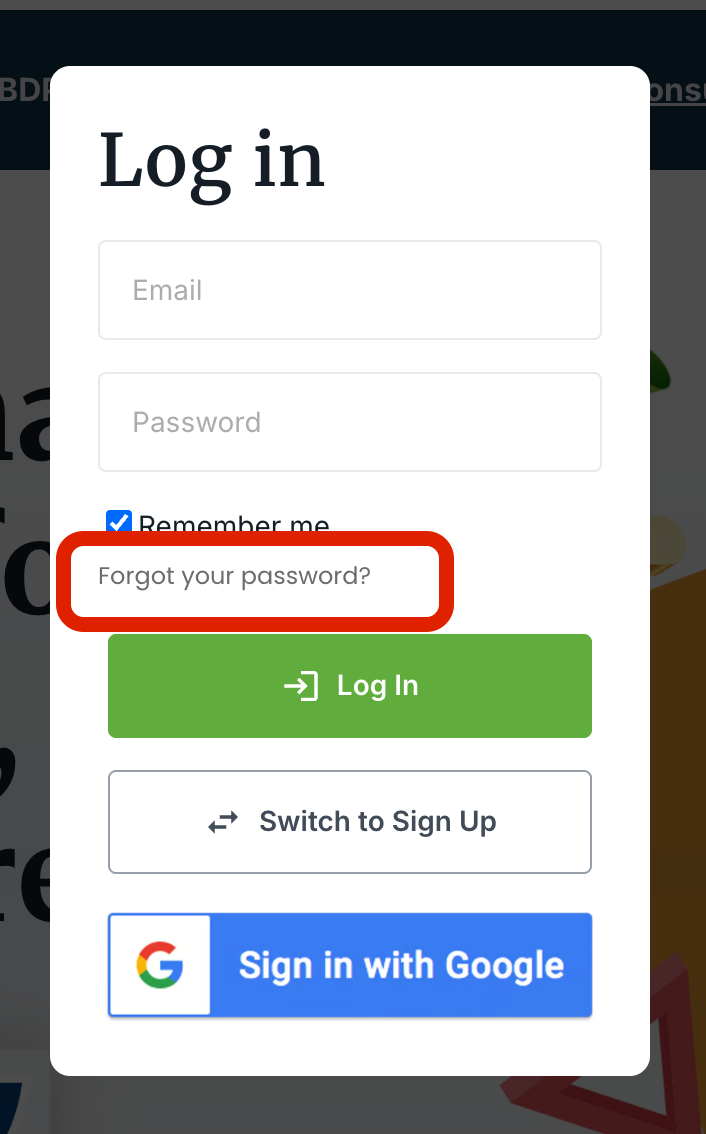
On the Login/Signup popup, click “Forgot your password?”
-
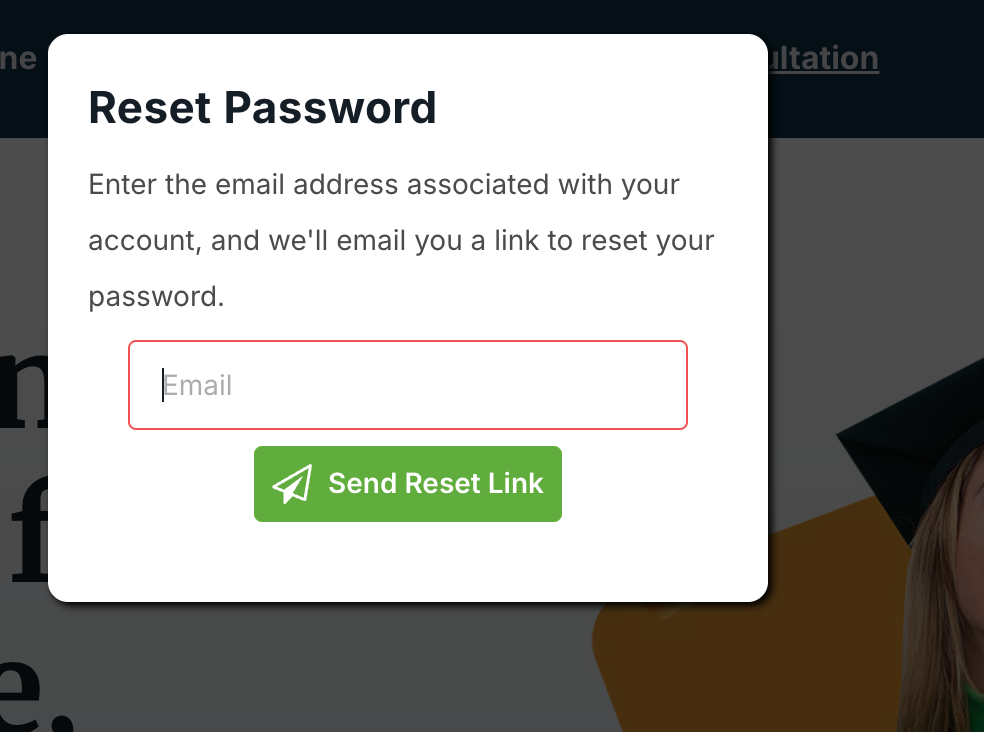
Enter your email address and press “Send Reset Link”
-
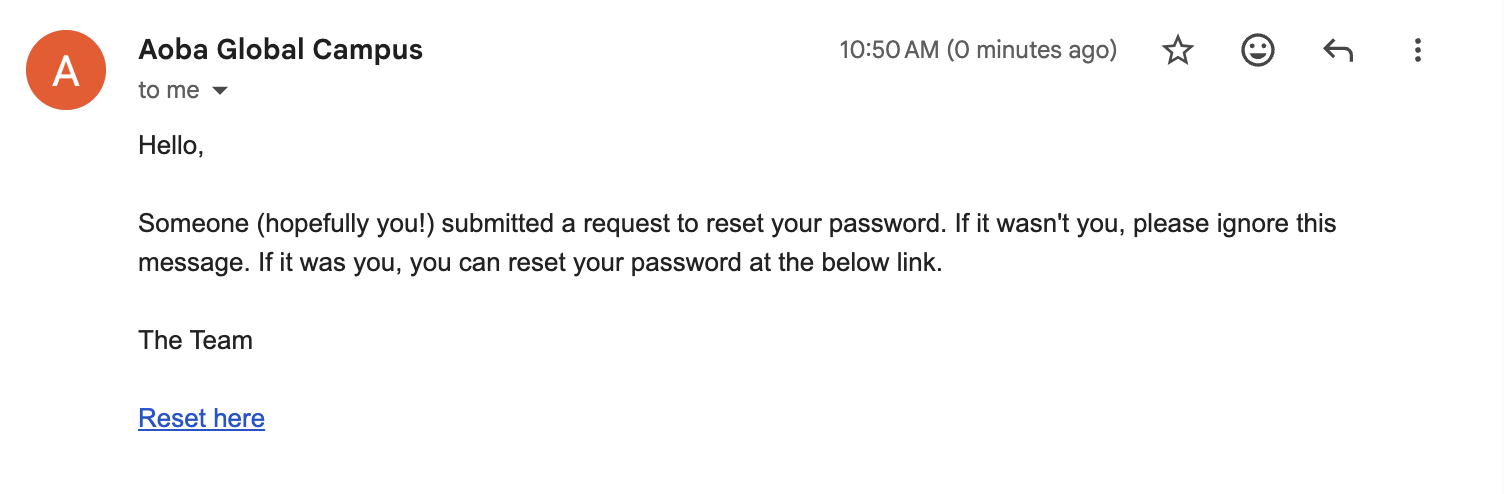
Click the “Reset here” link in the email you will receive:
-
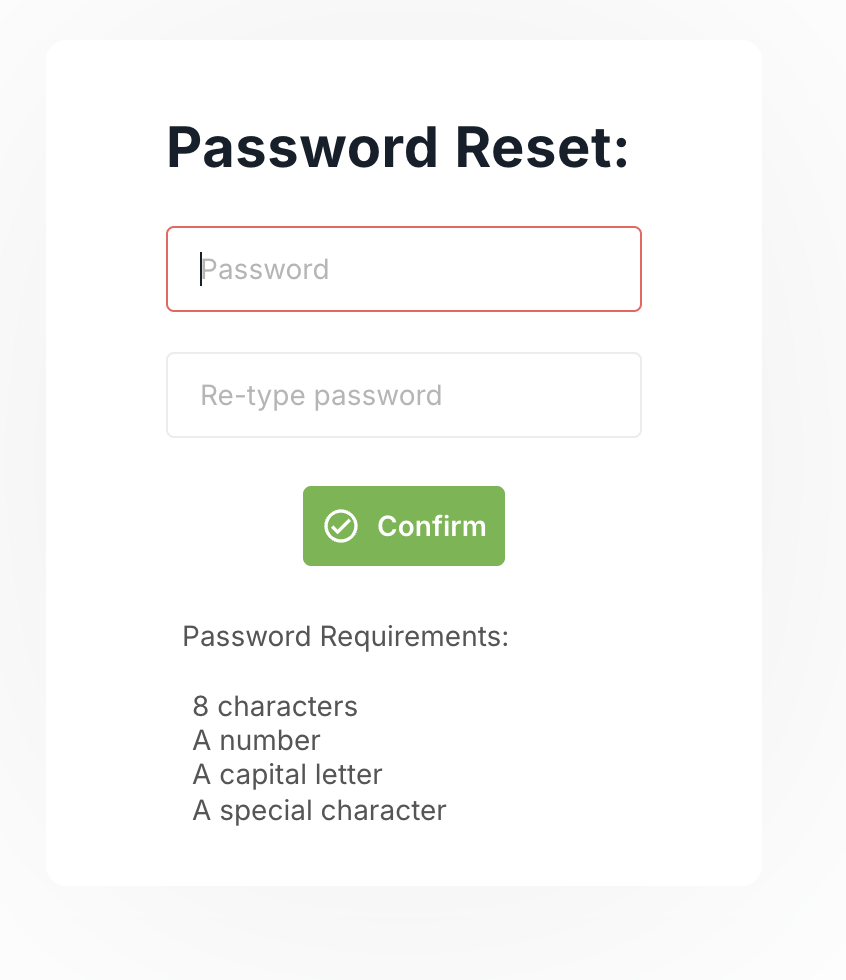
Enter your new password and click “Confirm”.
-
You’re all set!