.png)
Creating your account on Aoba Global Campus is very easy. Simply click the “Login/Signup” button in the header and follow the indicated steps to set up your account.
You can register using:
-
Recommended - Google Single Sign On
If you are an AIES employee, use your school account to receive free access to the required onboarding courses.
📘 Using Google Single Sign On
-
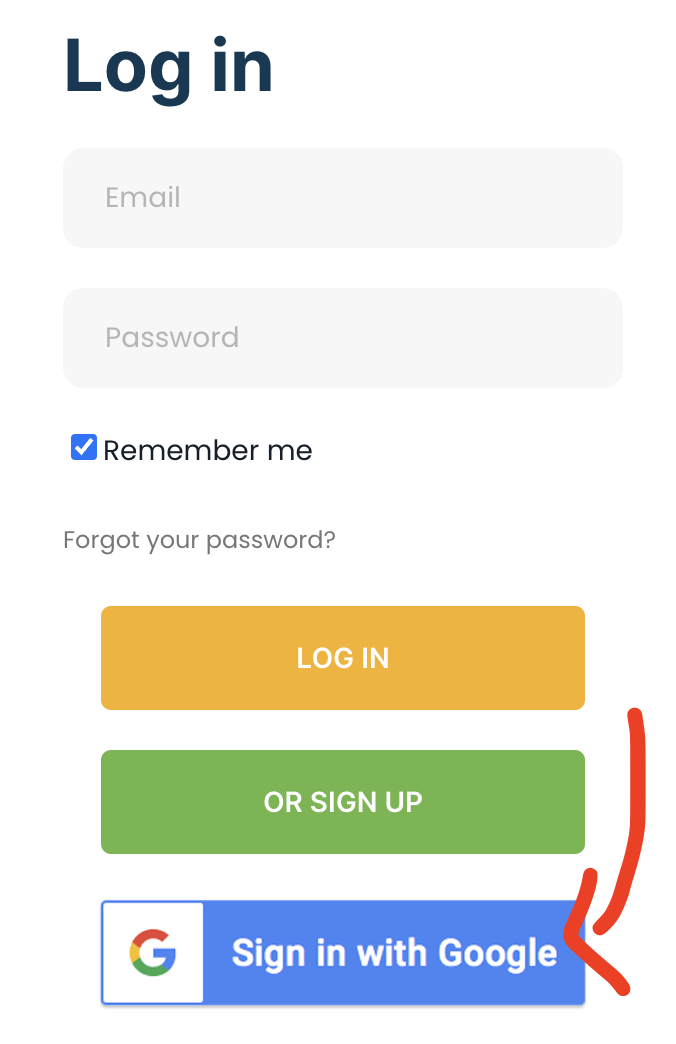
On the Login/Signup Page, select “Sign in with Google”
-
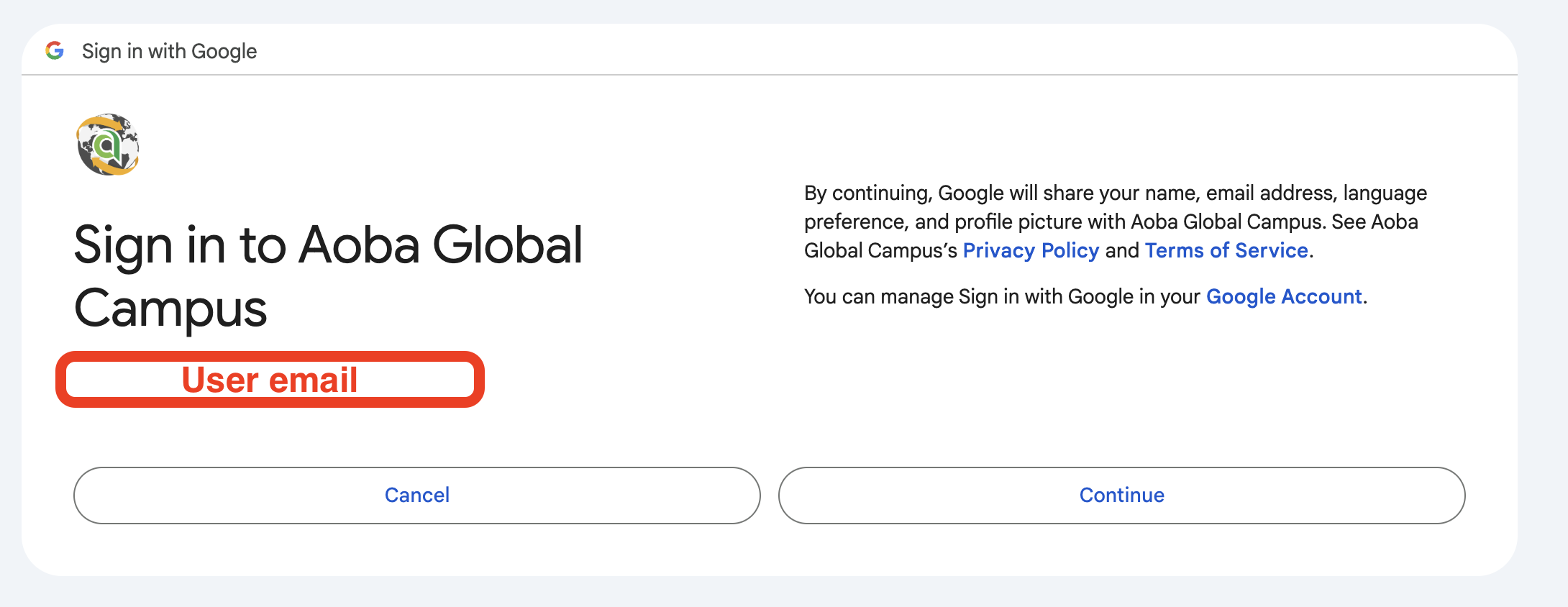
Select your account and press “Continue”
📘 Using an email address and password
-
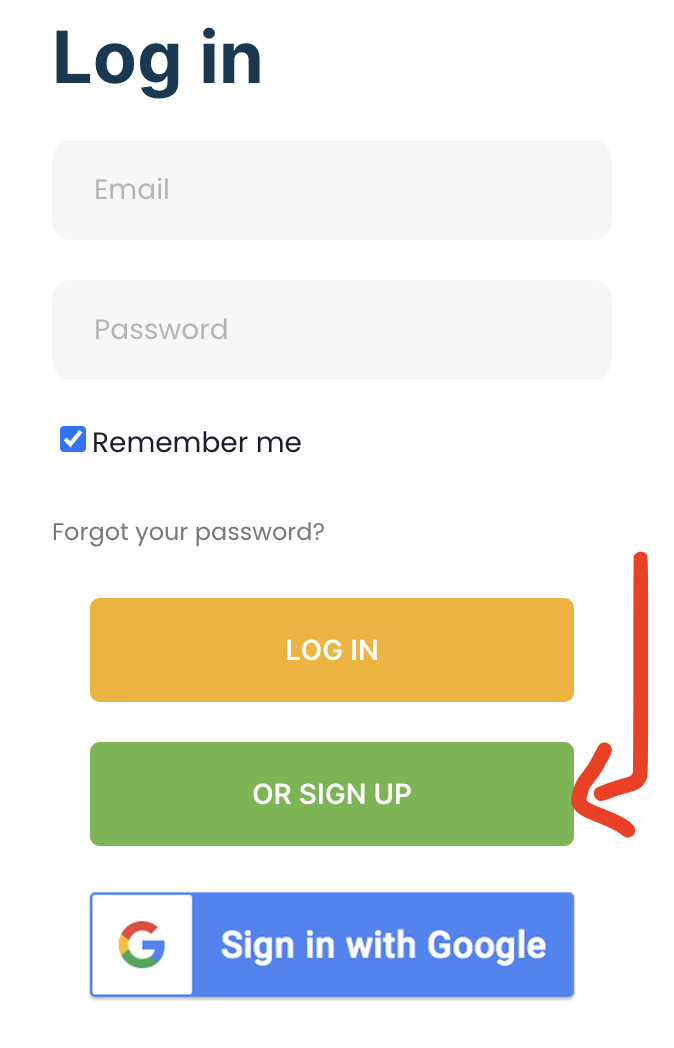
On the Login/Signup form, select “or Sign Up” to switch to user registration
-
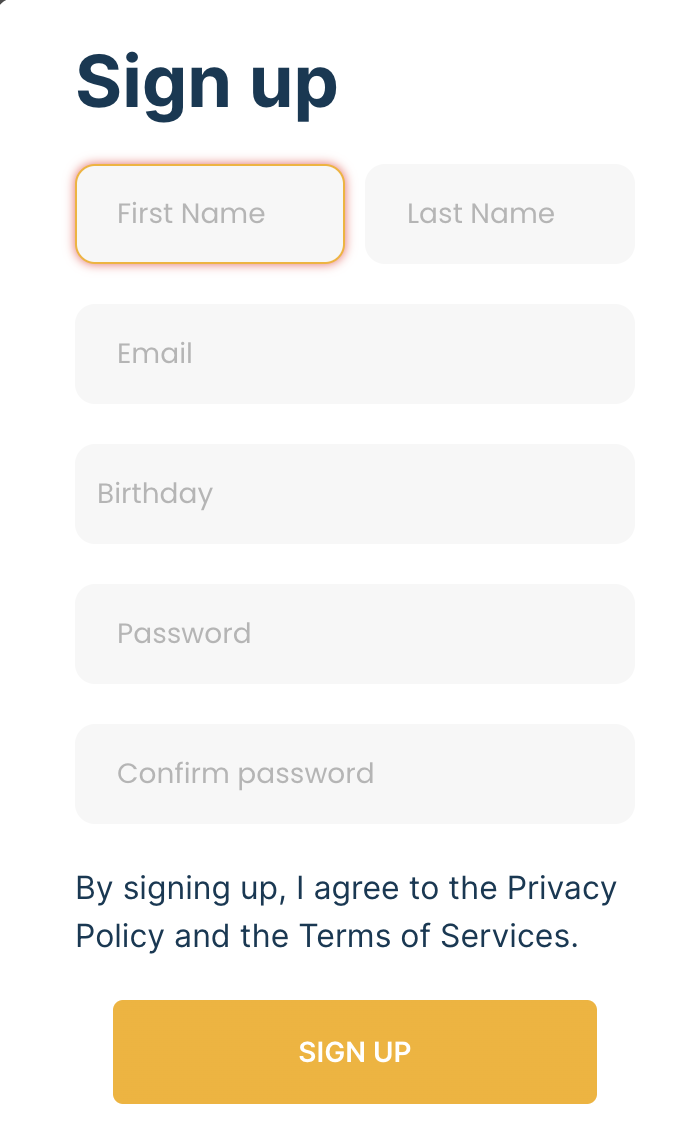
Complete all required fields and click the “Sign Up” button
-
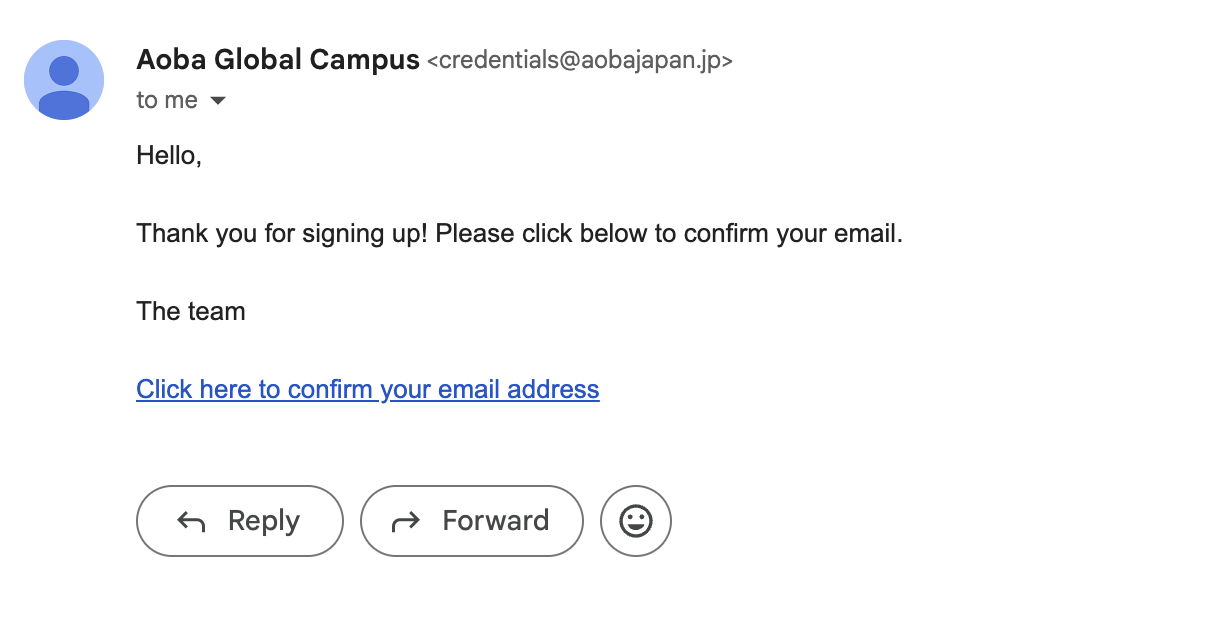
You will receive an email at the email address you indicated to confirm your email address. Click the link to confirm your email address:
-
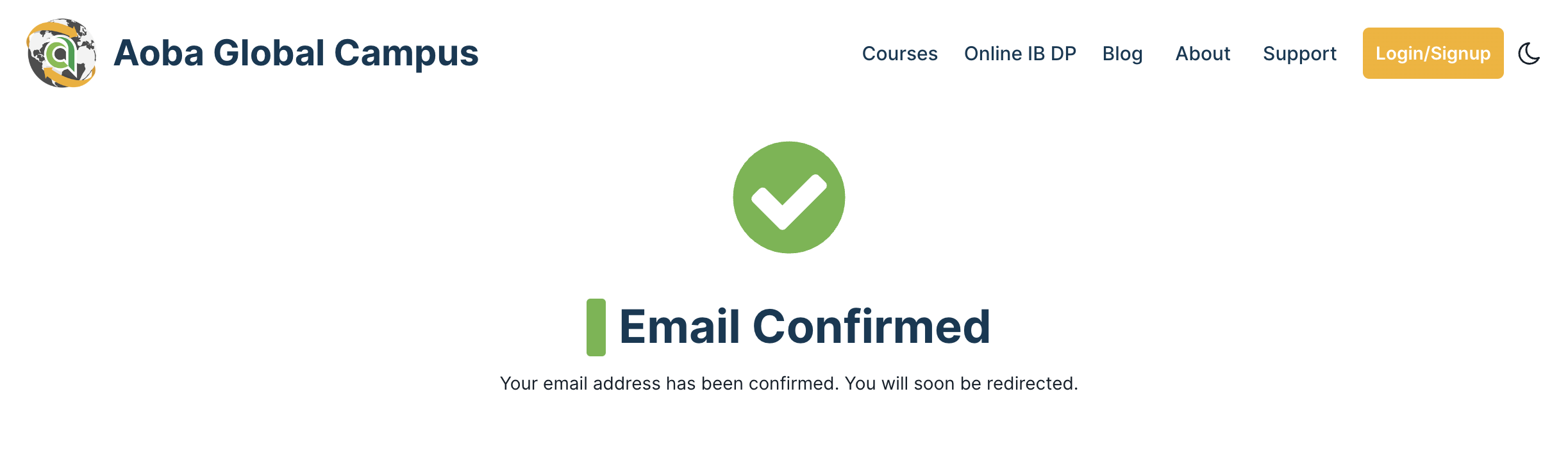
After clicking the link, your email address is now confirmed and you can log in to the platform using your email address and password.
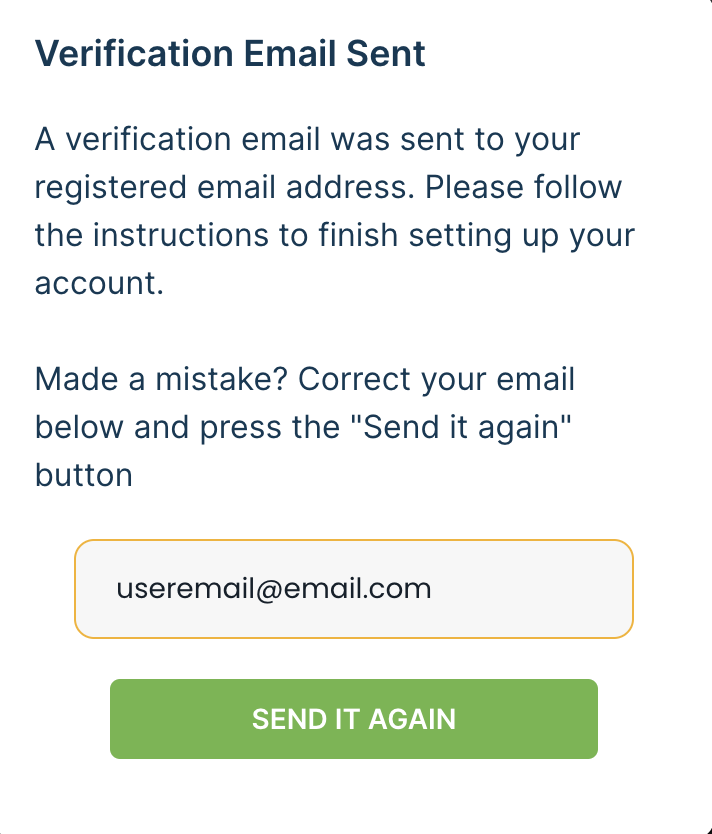
If you made a mistake during account registration and did not receive the email, you can change your registered email address from the confirmation form and re-send the confirmation email